HomeHardwareFeatures
What motherboard do I need for my Intel or AMD Ryzen CPU?How to make sure you get the right mobo for the job
How to make sure you get the right mobo for the job
Your CPU and motherboard are the brain and nervous system of your PC, and while you can (sadly unlike a brain) swap them out to replace with better ones, there’s a lot more to this than simply slapping in some silicone. You’ll need to make sure that the two components are compatible with each other, for certain chips will only work when installed on certain motherboards. Mismatch the processor with the motherboard’s socket or an incompatible chipset, and it won’t matter if you’ve got one of thebest CPUs for gaming- the only functioning component left in your build will be the case.
Top 10 New PC Games For October 2021Watch on YouTube
Top 10 New PC Games For October 2021

Take a few minutes to peruse this guide, then, and you’ll know for sure which motherboard you’ll need for your CPU. I’ve updated it to cover the latestIntel 12th Gen Alder LakeCPUs, as well as their 10th and 11th Gen models, the AMD Ryzen 3000 series, and the most recent Ryzen 5000 series.
Step 1: Choosing the right motherboard socket
Take a quick glance at any CPU and you’ll probably see it’s got a heck of a lot of pins (if it’s AMD) or tiny little contact points (if it’s Intel) on the bottom. These are what slot into your motherboard’s CPU socket, so you’ll need to buy one that fits correctly. If you try and stuff one into the wrong kind of motherboard socket, all you’re going to end up with is a load of bent pins and some very broken components.
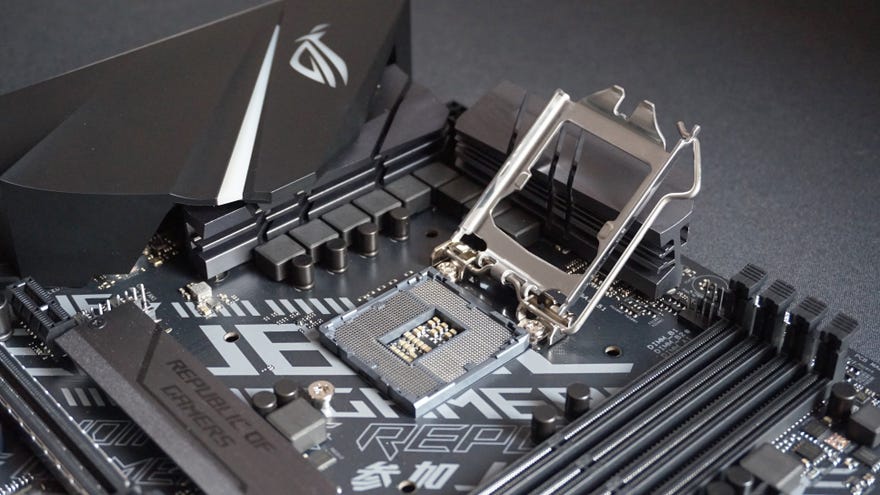
An Intel LGA 1200 socket. Upwards-facing pins make contact with tiny plates on the CPU.

There are some exceptions when getting into workstation hardware or enthusiast-grade chips: AMD’s Threadripper processors fit in the TR4 socket, while some Intel chips use the LGA 2066 socket. You probably don’t need to worry about these ones, mind – assuming you’re building a gaming PC, chips that use the LGA 1700, LGA 1200, or AM4 socket will be plenty powerful and much more cost-efficient.
Next up, here are all the processors that will fit Intel’s LGA 1200 socket, including both 11th Gen and 10th Gen models:
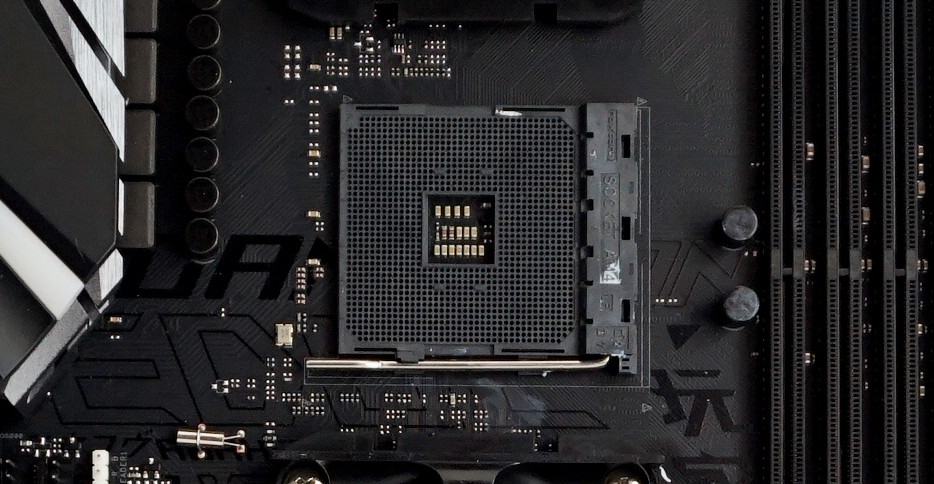
An AMD AM4 socket. Note the many holes, into which the CPU’s pins will slot.
In any event, it’s best to stick with Ryzen 3000 and 5000 processors if you’re planning a new build - Ryzen 4000 chips aren’t sold individually - so here’s a list of all those AM4-friendly parts.
Step 2: Choosing the right chipset
So we’ve narrowed down the type of motherboard socket you need. The next thing is deciding which chipset to go for. This is the circuitry inside the motherboard itself. Without going into too much technical detail, a motherboard’s chipset essentially determines what kind of features it has, including the types of ports and storage connectivity it provides. They’re also usually designed to work with a particular family of processors, and often get released around the same time as their corresponding CPU family.
Intel in particular like to make things complicated, always launching new chipset series alongside new CPU generations. The most recent of these is the 600 series, which initially consisted entirely of the Z690 chipset before lower-spec, cheaper alternatives launched early in 2022. You can see in the table below which Intel chipsets are compatible with which Intel CPUs:
As for AMD, the latest Ryzen 5000 processors didn’t launch with an all-new chipset: they were designed for AMD’s existing 500 series chipsets, which already worked with the Ryzen 3000 family. They’re also compatible with some older 400 series chipsets after a BIOS update, but this will vary between motherboards and manufacturers, so be sure to check it definitely has Ryzen 5000 support before you buy.
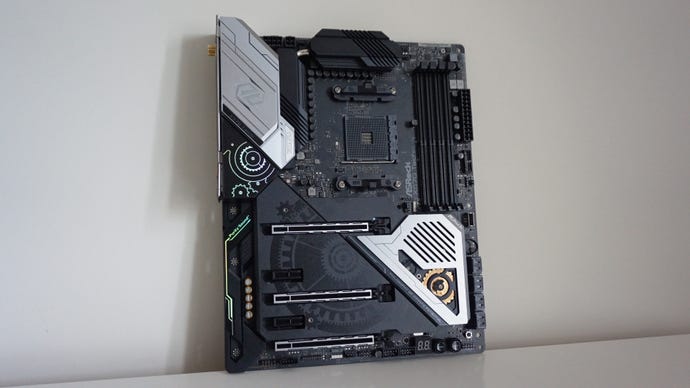
In other words, you won’t necessarily need to swap out your existing AM4 motherboard if you’re upgrading from Ryzen 3000 to Ryzen 5000, but for most 5000 adopters it’s probably easier to just buy a 500 series board. Here’s how the Ryzen chips work with the Ryzen chipsets:
Intel motherboard chipsets explained
At this point you might know which chipsets work with your CPU in a general sense, but there aren’t multiple chipsets in a series just for funsies. Each one targets a different level of functionality and pricing, so you can tailor you motherboard choice to fit your budget and need for specific features.
In Intel’s case, the most decked-out motherboard chipsets always start with a Z: Z490, Z590 and Z690 being the most recent. These will always support CPU overclocking (though some B560, H570 and B460 boards allow overclocking too), and they also have the most PCIe lanes. This means you can install more PCIe devices (like NVMe SSDs) than the other, cheaper chipsets. Higher-end motherboards also have a wider range of USB ports and better RAID support for multiple storage drives.
That said, affordable chipsets like B570 and B600 have enough of these lanes to adequately equip most PC gaming builds, so they can also work well. To give an idea of price differences, here are how a few of Intel’s chipsets compare:
It’s worth noting that if you want to install a superfast PCIe 4.0 SSD, you’ll need at least a 500 series chipset and Rocket Lake chip. The newer 12th Gen hardware also supports PCIe 5.0, though don’t expect hardware that can actually use the extra performance to arrive any time soon. In the meantime, you can find some quality 4.0 picks on ourbest SSDs for gaminglist.
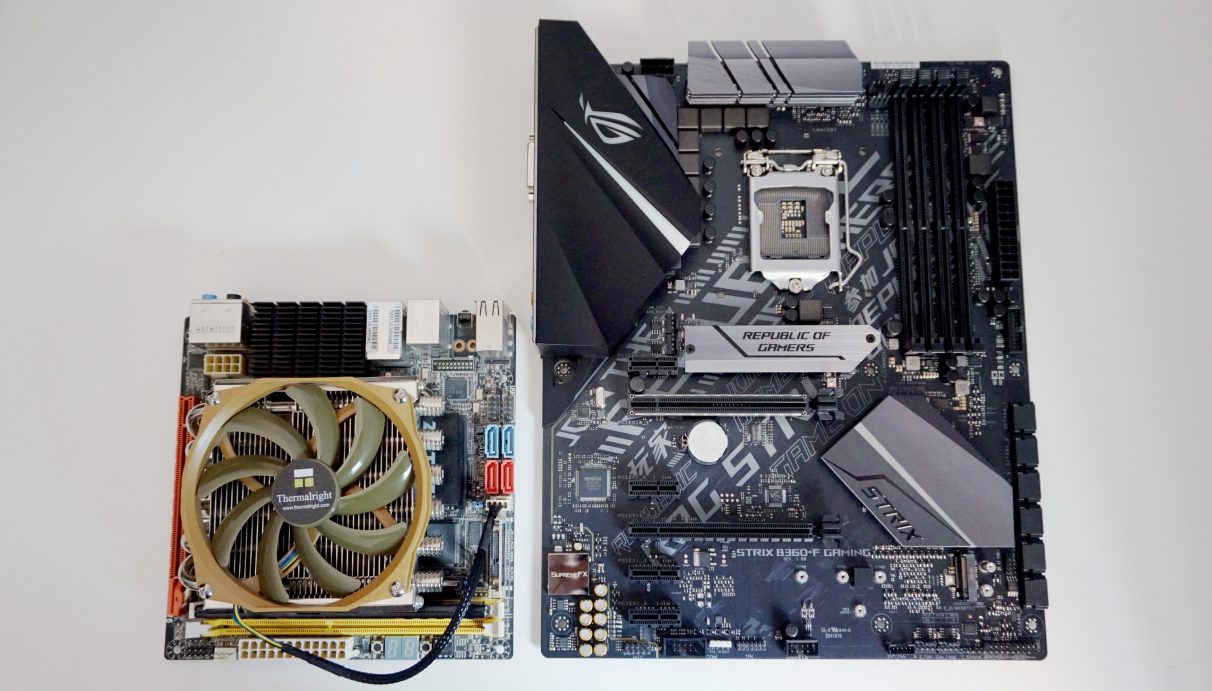
Some chipsets will dictate the size of the motherboard in addition to features. A mini-ITX motherboard (left) is much smaller than an ATX motherboard (right), so make sure you get the right one for your case.
AMD motherboard chipsets explained
Most of AMD’s chipsets enable overclocking, save for the A520 and the increasingly obsolete A320, so if OC capability is a must for you, there’s a little more choice to be had than with Intel. Even so, there are also benefits to going upmarket: X570 supplies more SATA sockets and USB ports than B550, which in turn supports more than A520.
Anything else I should know?
It probably goes without saying that you should also pick a motherboard that actually fits inside your intended case. There’s no point buying an ATX-sized motherboard when you’ve got a small form-factor or mini-tower case, nor is there much sense in buying a jumbo full tower case for a tiddly mini-ITX motherboard.
As to whether PCIe 4.0 support is a must-have… I’d say not at this exact moment, mainly because you can get some excellent PCIe 3.0 SSDs (like theWD Blue SN570) that are plenty fast enough. Both 3.0 and 4.0 SSDs will also be able to play nice withDirectStorage, an exciting piece of Microsoft tech that could see loading times in games slashed to ribbons. It’s not actually supported in any games yet, but you won’t have to base your motherboard choice on it.
Of course, PCIe 4.0 is still faster in general, and if you’ve buying an Intel 12th Gen Alder Lake CPU, your should get 4.0 support as standard, whatever motherboard you pair it with.
