HomeGuidesValheim
Valheim: how to save your game progressHere’s how to save your game in Valheim
Here’s how to save your game in Valheim
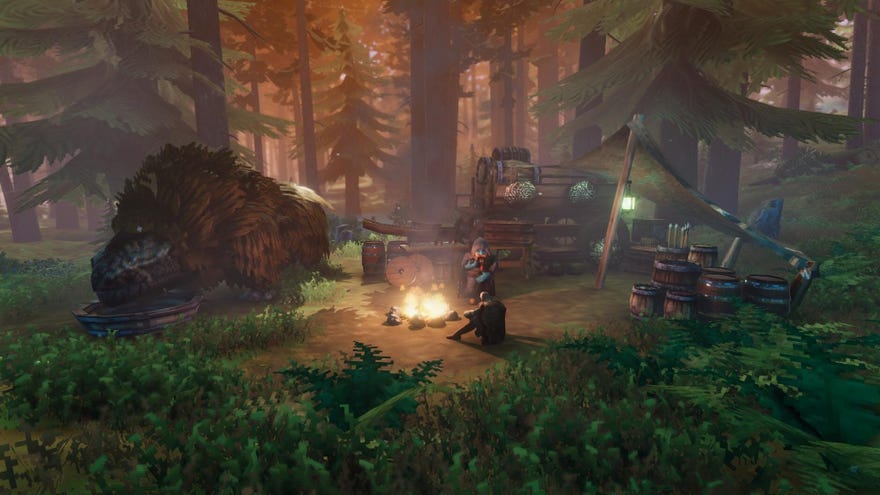
How can you save your game in Valheim?Valheimdrops you (literally) into a harsh and unforgiving open world where you’ll need to use every resource you come across in order to survive. Even the weather is trying to kill you, as well as a whole host of baddies and monsters hiding somewhere in the world. Because of this constant threat of danger you’ll want to be saving your game as often as possible.Here’s how to save your game in Valheim.
On this page:
Valheim’s Developers Show Us Everything Mistlands Has To OfferEd and Liam recently interviewed the developers of Valheim about Mistlands within Valheim itself.Watch on YouTube
Valheim’s Developers Show Us Everything Mistlands Has To Offer

How to save in Valheim
Saving using console commands
Another easy way to save your game is to use console commands. You can find a full list of console commands in thisValheim cheats and commands guide. For saving, just open the console with F5. Now, type ‘save’ and press enter. This will save your game.
Note that if you areplaying Valheim on a multiplayer server, only the admin can force save using console commands.
Saving is relatively simple in Valheim then, and it’s recommended you save as often as possible to avoid losing progress. For more on Valheim be sure to check out ourValheim tips and tricks guide. Elsewhere there’s our look atboar-taming.
