HomeHardwareFeaturesTom Clancy’s The Division 2
The Division 2 PC performance: get your PC Warlords of New York readyDivide and conquer
Divide and conquer

New Faction Invasions And 5 Ways The Division 2 Endgame Has ImprovedWatch on YouTube
New Faction Invasions And 5 Ways The Division 2 Endgame Has Improved

Below, you’ll find everything you need in order to get the best performance from The Division 2, including what you need to hit that all-important 60fps at 1080p, 1440p and 4K on all of todaysbest graphics cards, and the areas where you can cut a few corners if you find your GPU’s starting to struggle. I’ve added loads of new graphics cards to my Division 2 PC performance guide since I first put it together last year, bringing it bang up to date for 2020. So whether you’re jumping into the game for the first time or picking up where you left off last year, here’s how to get The Division 2 and Warlords of New York running like a well-oiled machine on PC.
The Division 2 PC requirements
Before we get started, let’s take a look at the minimum and recommended PC requirements for The Division 2. Ubisoft say their minimum PC requirements should give you 30fps at 1920x1080, while the recommended PC requirements are what you’ll need to hit 60fps at that resolution. They’ve also got a ‘High End’ spec, which they recommend for 60fps at 2560x1440, as well as an ‘Elite’ 4K 60fps spec.
Minimum PC requirements (1080p 30fps):
OS:Windows 7-10 64-bitProcessor:Intel Core i5-2500K / AMD FX-6350RAM:8GBGraphics:Nvidia GeForce 670 / AMD Radeon R9 270Video memory:2GB
Recommended PC requirements (1080p 60fps):
OS:Windows 10 64-bitProcessor:Intel Core i7-4790 / AMD Ryzen 5 1500XRAM:8GBGraphics:Nvidia GeForce 970 / AMD Radeon RX 480Video memory:4GB
Recommended PC requirements (1440p 60fps):
OS:Windows 10 64-bitProcessor:Intel Core i7-6700K / AMD Ryzen 7 1700RAM:16GBGraphics:Nvidia GeForce GTX 1070 / AMD Radeon RX Vega 56Video memory:8GB
Recommended PC requirements (4K 60fps):
OS:Windows 10 64-bitProcessor:Intel Core i7-8700K / AMD Ryzen 7 2700XRAM:16GBGraphics:Nvidia GeForce RTX 2080 Ti / AMD Radeon 7Video memory:11GB
The good news is that The Division 2 runs extremely well for the most part, and you don’t need a super powerful GPU to hit that coveted 60fps mark. Indeed, Ubisoft’s recommended PC requirements for 60fps at 1080p only state you need an Nvidia GTX 970 or an AMD RX 480, which are both pretty old cards these days. As a result, you shouldn’t have too much trouble getting The Division 2 to run smoothly on your PC, but there are still a number of things you can do to help improve your PC’s graphics performance if you find it’s getting a bit much, which I’ve listed below.
The Division 2 PC performance: how to get the best settings
The game’s built-in benchmark tool swoops across a variety of scenes taking place outside on the gun-ridden streets of Washington DC. This spits out an average frame rate figure at the end of the benchmark, and I found it was pretty bang-on when I compared it to the in-game frame rate during a normal session - at least when I was running about outside. Indoors, the frame rate was often much higher, as you’re not having to deal with all those lush environmental effects.
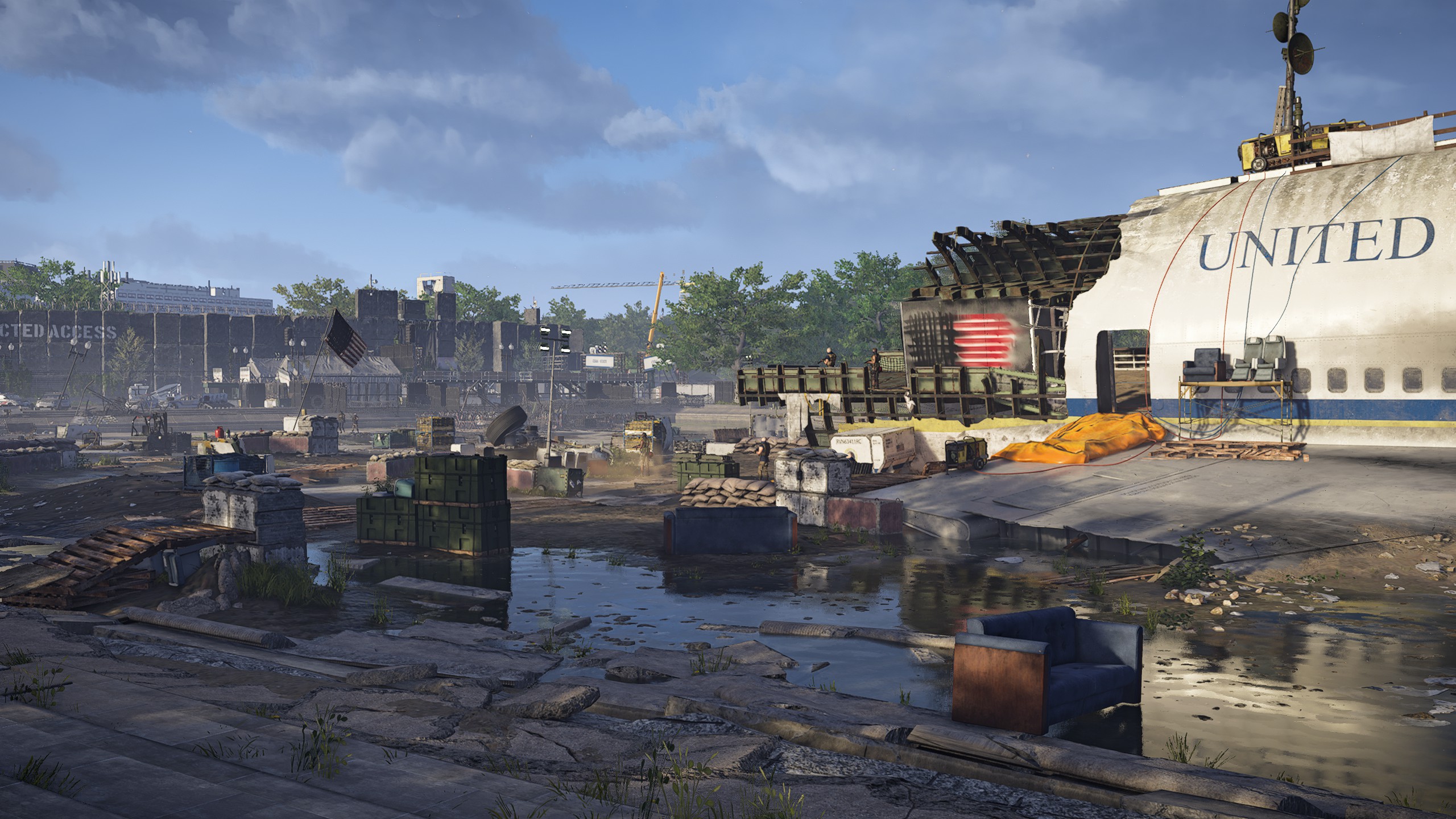
Still, when so much of the game takes place on the streets, whether it’s running between objectives or engaging in small firefights and control point skirmishes, it’s important to have 60fps as a baseline here. If you do find the frame rate chugging a bit, though, here’s how you can squeeze an extra 15fps out of it with just a couple of settings tweaks.
To find The Division 2’s graphics settings, go to the Graphics tab in the Settings menu. Here, you’ll find dozens of individual graphics options you can tweak, from the quality level of the terrain right down to the geometric complexity of in-game objects.

Another reasonably big graphics drain isVolumetric Fog. Now I know some people can be highly attached to the quality of their rendered fog, but whacking this down to either Medium or Low can claw back some vital extra frames. Taking my GTX 1060 again as an example, switching from Ultra volumetric fog at 2560x1440 down to Medium saw my average frame rate grow up another 4fps (taking it up to 43fps) while Low pushed it another frame up to 44fps. I know 5fps isn’t massive in the grand scheme of things, but combine that with an 85% resolution scale and I was able to get an average of 54fps - which is a damn sight better than 39fps!
Meanwhile, if you’re finding the frame rate is swinging violently from one end of the spectrum to another, then you’ll probably want to enable The Division 2’sFrame Rate Limitoption. This is slightly different to just switching on V-Sync, for while V-Sync will cap your frame rate at the maximum refresh rate of your monitor, the frame rate limit lets you cap it anywhere from 20fps right up to 200fps in increments of 5fps. It should also get rid of any unwanted jitter while aiming and shooting, too, according to Ubisoft. So if you don’t want to keep veering between 30-60fps, for example, you could set a limit of 45fps, or even lock it at 30fps if you really wanted to be on the safe side.
Nevertheless, getting back an extra 15fps from the tips I’ve described above is still a pretty good way to help give your PC a bit of a boost, especially if your graphics card’s default performance isn’t quite as high as you’d like. To see how they all fared, you can either click the page links below, or head back up the page and click the links for the card you want to read about.
The Division 2 PC performance benchmarks
The aim of this Division 2 PC graphics test is to get the game running at60fps at 1920x1080, 2560x1440 and 4Kwhere possible. In most cases, it wasn’t too difficult to get running on decent quality settings, and you can see the results of how each card fared in its internal benchmark below.
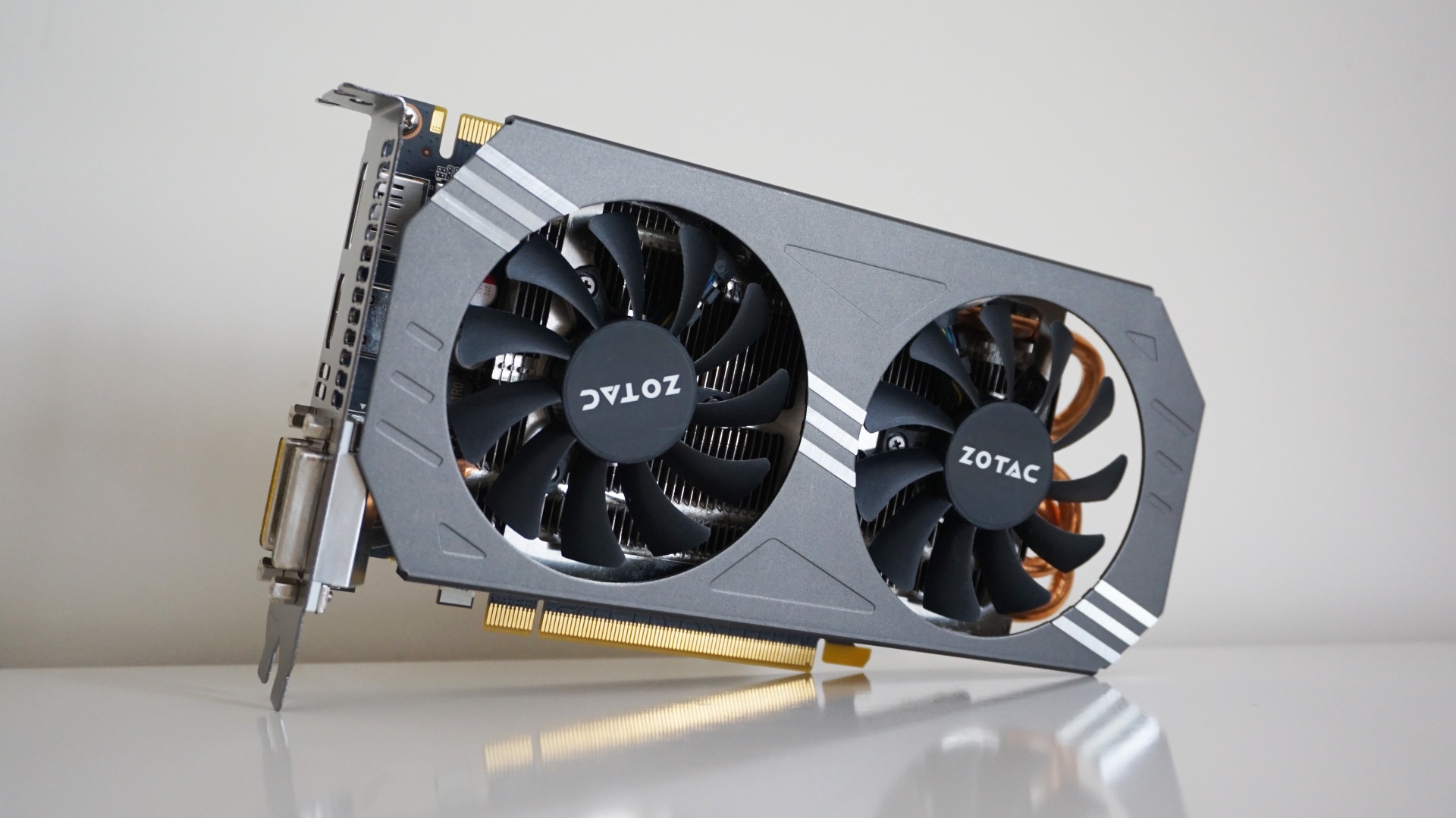
Nvidia GeForce GTX 970
The Nvidia GTX 970 is Ubisoft’s recommended graphics card for 60fps play at 1920x1080. What they fail to mention, of course, is what kind of quality setting you can expect to get that kind of speed on. Happily, you needn’t worry about settling for something boring like Medium graphics with the GTX 970, as its 4GB of memory gives it plenty of scope to handle higher quality texture settings without much problem at all.
Zotac’s Dual Fan edition is, admittedly, a bit faster than some of the other GTX 970s out there. With a base and boost clock speed of 1076MHz and 1216MHz respectively, this puts it quite a bit out in front of Nvidia’s reference specification. Still, I’m pretty confident the speeds I mention below will be broadly representative of what you’ll get on other GTX 970s, and you can always follow the tips back on the first page if you feel in need of an extra speed boost.
Can I play this at 1920x1080?
You sure can. I was able to get a smooth average of59fps on Highat this resolution, but those with high refresh rate monitors may want to kick it down to Medium in order to enjoy super slick speeds of 75fps. To be honest, you could probably whack it up to Ultra if you want the bestest best graphics, as even this produced a solid, perfectly playable average of 44fps. Add in the adjustments I mention above and you’ll almost certainly have that back up to 60fps in no time.
Can I play this at 2560x1440?
Also yes. For the best-looking experience, you’ll have to make do withMediumquality settings here, as I only saw an average of50fpshere. Dropping it down to Low pushed it all the way up to 92fps, but that’s partly because the draw distance is pretty short on this setting, causing lots of pop-in as you progress through the world. That’s not ideal in a game where rival factions often wander the streets and start gunning you down from all angles, so I’d recommend keeping it on Medium and following the steps on the first page to push it closer to 60fps.
Can I play this at 4K?
Surprisingly, it’s another yes, although here you really can only play it onLow, as Medium saw the frame rate tumble to an unplayable 26fps. Low, meanwhile, produces a stable52fps, but as mentioned above, why settle for Low when you can play it on better quality settings at lower resolutions?
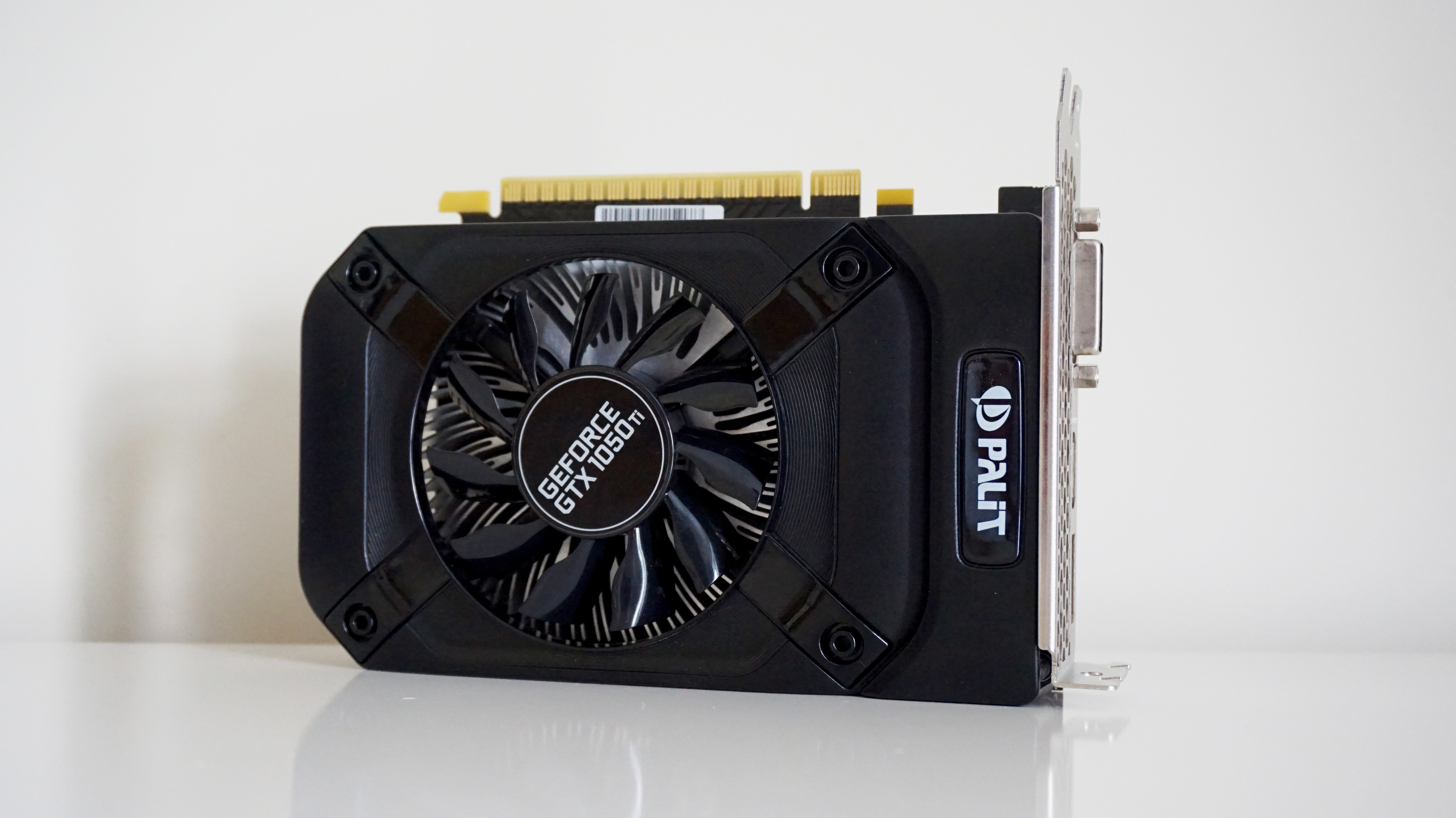
Nvidia GeForce GTX 1050 Ti (4GB)
Despite not being as powerful as the GTX 970,Nvidia’s GeForce GTX 1050 Tistill puts up a pretty good fight here at lower resolutions. In truth, I’ve only been able to test the 4GB version of this card, so those with 2GB models may find themselves struggling a bit. After all, Ubisoft say 2GB cards are really only fit for 30fps at 1920x1080, so you’ll likely have to employ the tips I’ve mentioned above in order to bump up the frame rate a bit.
Still, it’s possible that 4GB GTX 1050 Ti owners may well get much better speeds than those I’ve listed here, as Palit’s Storm X version is actually a touch slower than a lot of its competitors. With a base and boost clock speed of 1290MHz and 1392MHz, this is probably the baseline experience you can expect from a GTX 1050 Ti, as faster cards may well be able to push these frame rates a touch higher.
Can I play this at 1920x1080?
Absolutely. I found the GTX 1050 Ti was most comfortable onMediumsettings here, producing an average frame rate of51fps, but you could probably get away with 40fps on High if you really felt like it. Meanwhile, those after the very fastest frame rates will be happy to know that Low will crank it all the way up to an average of 93fps.
Can I play this at 2560x1440?
Just about, but you’ll have to stick toLowto get a smooth average of60fps. Medium can be done here, but you’ll likely have to employ the settings tweaks on page one to bump its default average frame rate of33fpsto something a bit more stable if you’re really going to play at this quality setting at this resolution.
Can I play this at 4K?
Haha, nice try, but even Low will only net you an average of 31fps. I mean, it’s doable, but why subject yourself to it when you’ll get better performance at lower resolutions?

Nvidia GeForce GTX 1060 (6GB)
I should point out that the Asus GeForce GTX 1060 OC 9Gbps edition I’ve got here isn’t actually available to buy any more, but with a base clock speed of 1584MHz and a boost clock speed of 1809MHz, it’s definitely one of the faster models that was ever made. The only GTX 1060 cards with faster clock speeds are Asus' own ROG Strix model and EVGA’s SSC Gaming ACX 3.0 version. As a result, the results below are probably a best case scenario for current 6GB GTX 1060 owners, but there’s still a lot to like here.
Can I play this at 1920x1080?
Absolutely. Whack it up to Ultra and you’ll get a very agreeable average of 55fps straight off the bat at this resolution, but those who want an absolutely guaranteed 60fps should switch toHigh, where you’ll see an average of66fps. Still, apply some of the settings tweaks I mentioned above and you’ll probably be able to get that Ultra average up to 60fps in no time.
Can I play this at 2560x1440?
Yes indeedy.Mediumis your best bet here, averaging around54fps, but High will still net you a perfectly playable average of 44fps as well. And remember, that’s what you’re looking at outside. Indoors, you’ll get smoother frame rates that go even higher.
Can I play this at 4K?
Not really. Like the GTX 970, you can get a playable 50fps on Low at this resolution (Medium will see it judder and jam to just 27fps), but you’d be much better off playing at lower resolutions here and getting a prettier-looking game as a result.
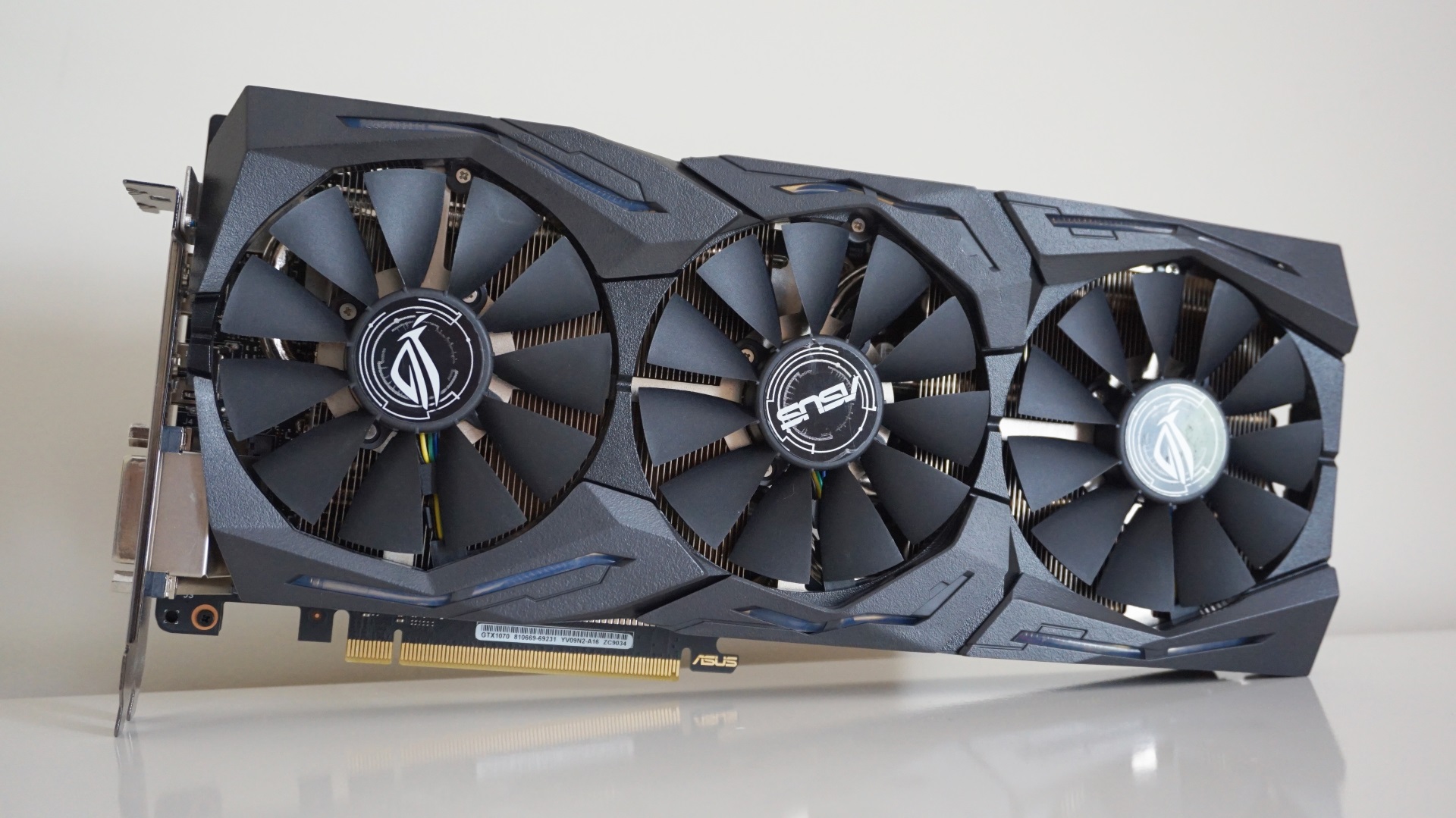
Nvidia GeForce GTX 1070
Now we’re cooking with gas. One of Ubisoft’s own recommendations for playing The Division 2 at 60fps at a resolution of 2560x1440,Nvidia GeForce GTX 1070owners should have no trouble at all getting this game running whatsoever. With 8GB of memory at its disposal, this card is much more capable of handling higher textures at higher resolutions, so as long as you stick to either 1920x1080 or 2560x1440, you’re golden.
I should note that, thanks to its high base and boost clock speeds of 1632MHz and 1835MHz, the Asus ROG Strix Gaming edition I’ve got here is one of the faster GTX 1070 cards out there at the moment, so the results below are probably more of a best-case scenario for this type of card as opposed to something a bit more general. However, as you’ll soon see, you’re still looking at some pretty smooth frame rates regardless of what particular model you happen to have.
Can I play this at 1920x1080?
Yep, and you can go straight in with an average of72fps on Ultra, too.
Can I play this at 2560x1440?
Double yep. You’ll get the smoothest speeds onHigh, which averaged63fpsin the game’s benchmarking tool, but you’ll probably be equally comfortable on Ultra to be honest, as this still produced a highly playable average of 50fps. Apply some of the tricks I talked about up top and an Ultra-fied 60fps should be perfectly within reach.
Can I play this at 4K?
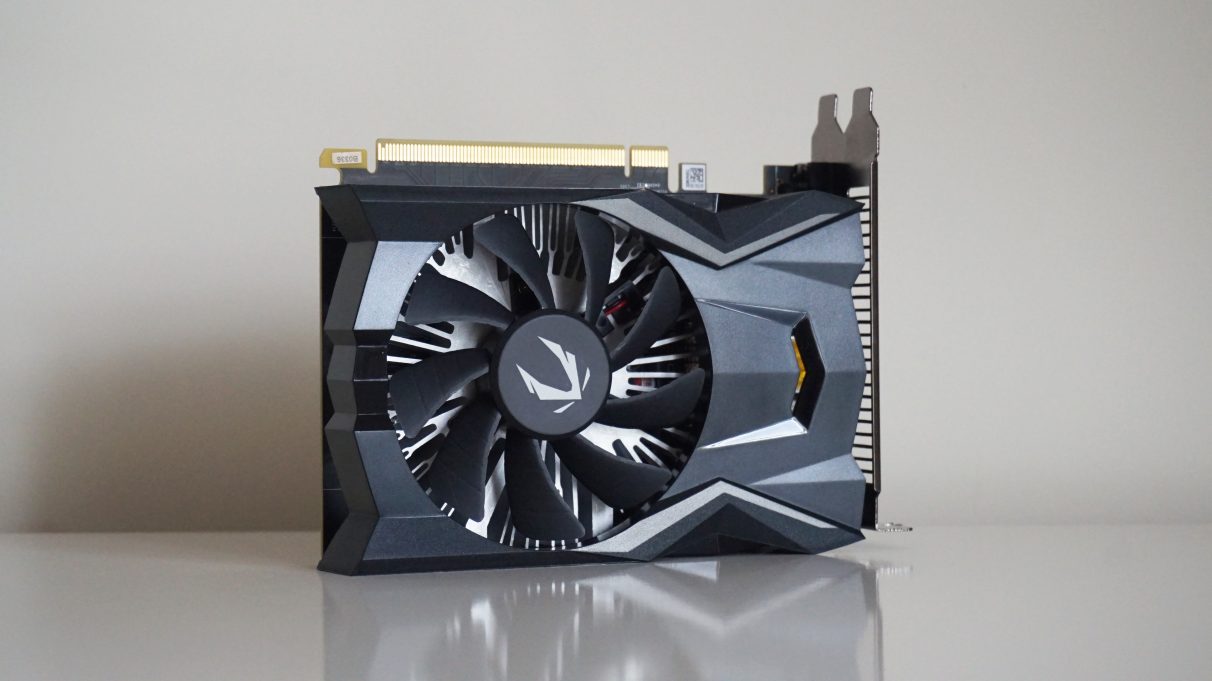
Nvidia GeForce GTX 1650
TheGTX 1650is a decent graphics card for those on a budget, and offers a tangible step up in performance over the outgoing GTX 1050 Ti. It’s not quite as nippy as AMD’s low-end 1080p cards - see myGTX 1650 vs RX 570comparison piece for more info - but it’s still a decent-ish card for playing The Division 2 with.
To help see what this card is capable of, I’ve used Zotac’s entry-level GTX 1650 OC model, which is one of the cheapest versions of this card you can buy today. As such, it should give us a pretty good idea of what to expect as a baseline experience from the GTX 1650, and you may even find slightly faster and more expensive models squeeze a couple of extra frames out of the game than what I’ve listed below.
Can I play this at 1920x1080?
It sure can. You’ll probably want to stick withMediumfor the smoothest experience, averaging an admirable69fpsin my benchmark tests, but High is doable as well thanks to an average of 55fps. Ultra, sadly, is probably too much for the GTX 1650, as here it only averaged 42fps.
Can I play this at 2560x140?
Technically yes, but realistically not really unless you’re happy with playing onLow. Here, the GTX 1650 managed a smooth83fpsaverage, but let’s face it, it’s also not particularly pretty. Unfortunately, knocking the settings up to Medium saw the frame rate tumble down to an average of just 45fps, so you’ll be better off sticking with 1080p if you want the best balance of performance vs graphical fidelity.
Can I play this at 4K?
Alas, even Low will only get you an average of 45fps at this resolution, but seriously, what were you expecting?
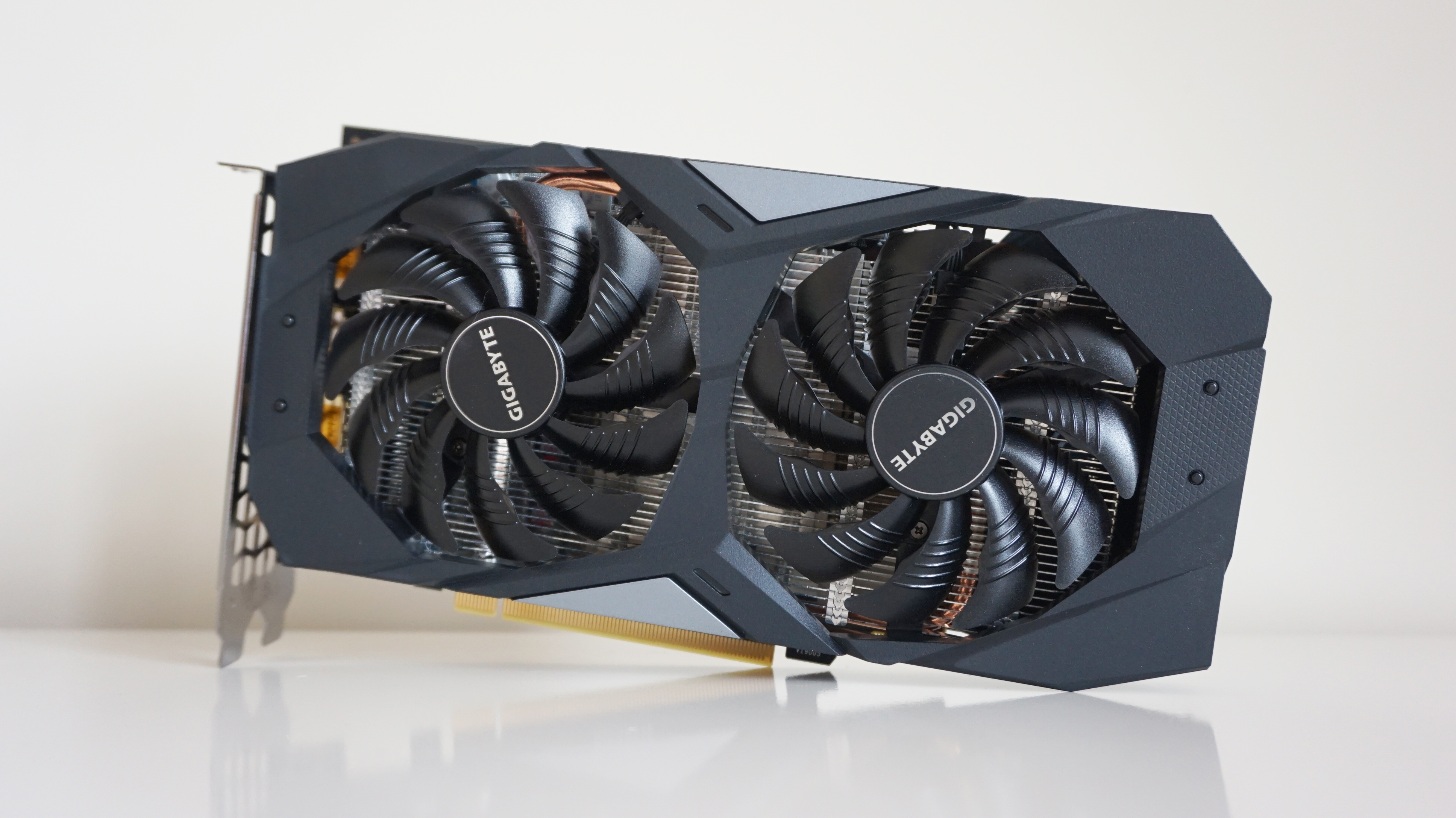
Nvidia GeForce GTX 1660
With a base clock speed of 1530MHz and a boost clock speed of 1830MHz, this is pretty typical of a lot of GTX 1660 cards out there at the moment, so the results below should be broadly representative of what you’ll get on other makes of card as well.
Can I play this at 1920x1080?
Indeed you can, and you can even get an average of64fps on Ultrafrom the get go, too. Those with high refresh rate monitors will probably want to drop it down to High, though, as this will net you a tasty average of 82fps.
Can I play this at 2560x1440?
Saddle up partner, because if an average of55fps on Highisn’t good enough for you, I don’t know what is. Ultra will still get you a playable 44fps, but you’ll have to apply the tweaks outlined above to push it back closer to 60fps.
Can I play this at 4K?
Surprisingly, yes! Provided you’re down with loads of pop-in on Low, you can get a sweet 72fps average, but if you’re really desperate to play it on this resolution, you can probably get away with putting it onMediumand using the settings tweaks mentioned above to bump up its default average of38fpsto something a bit more acceptable. Or, you know, just stick to 55fps on High at 1440?

Nvidia GeForce GTX 1660 Ti
Another newbest graphics cardentry here, theNvidia GeForce GTX 1660 Tiis our new benchmark for flawless 1080p gaming and super high quality 1440p play, too. And what a great partner it makes for The Division 2, offering super fast frame rates across a variety of resolutions.
This particular model from Asus is one of the cheaper GTX 1660 Ti cards out there, too, so those with faster, more expensive versions of this card may well get even better results than what I’ve detailed below. Indeed, compared to Asus' more upmarket ROG Strix OC edition that I also tested for my main review, the Phoenix was on average around 2-5fps behind its ROG counterpart. Still, as you’ll see below, even the Phoenix’s results are pretty damn tasty.
Can I play this at 1920x1080?
Absolutely. Fire it up, crank it up toUltraand enjoy an average frame rate of72fps.
Can I play this at 2560x1440?
Abso-positively-lutely.Highis probably where you’ll be most comfortable at this resolution thanks to the Phoenix’s average frame rate of63fps, but even an average of 49fps on Ultra is probably doable to be honest - especially if you have a faster GTX 1660 Ti card, or you apply the tips detailed above. Either way, the GTX 1660 Ti is more than capable of fast frame rates here, so just pick whichever quality setting you’re happiest with.
Can I play this at 4K?
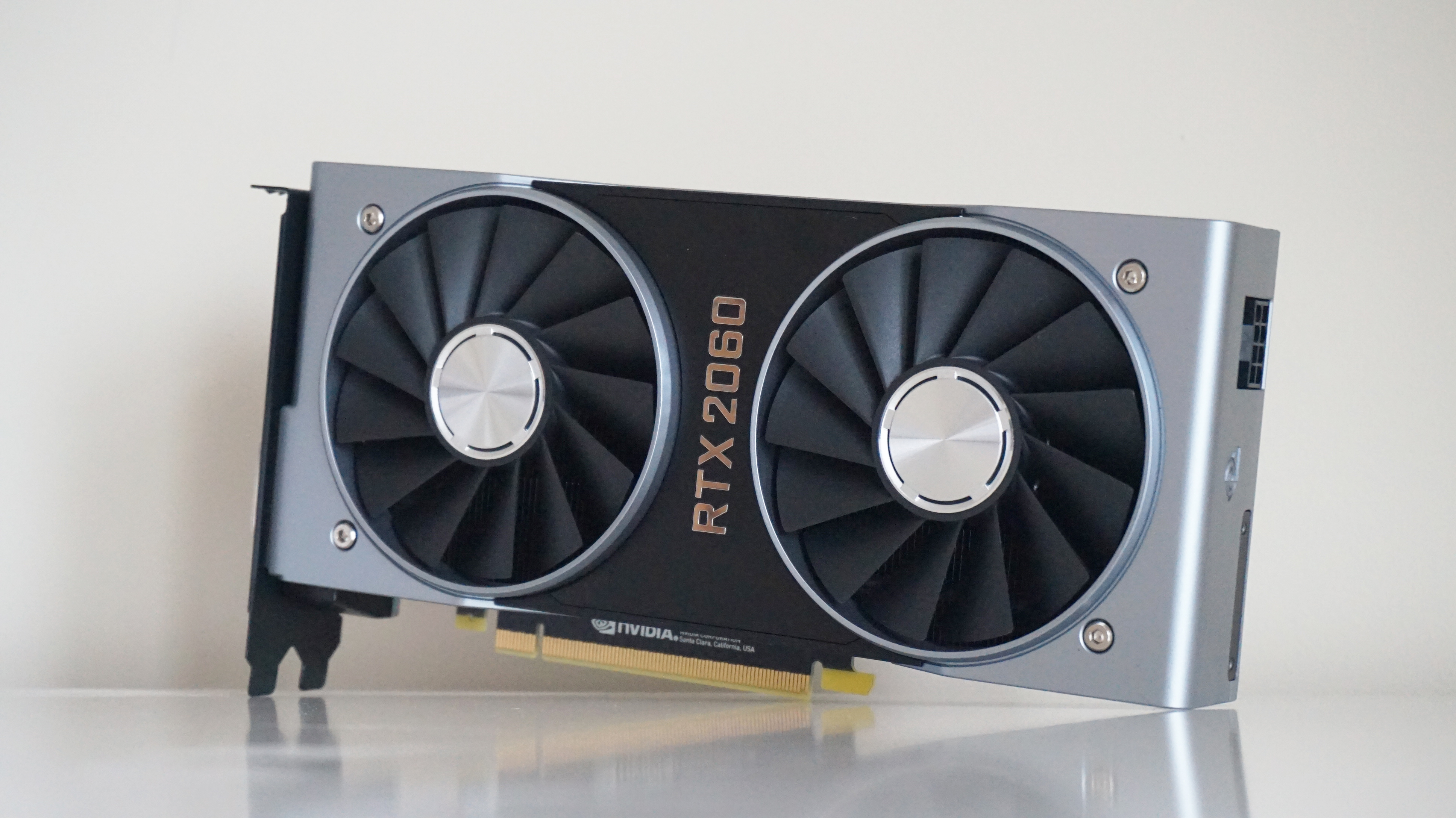
Nvidia GeForce RTX 2060
The Division 2 doesn’t support any fancyRTXfeatures, but that doesn’t meanNvidia’s GeForce RTX 2060isn’t still a mighty fine graphics card for playing the game with.
I’ve got the Founders Edition on test here, which has a base clock speed of 1365MHz and a boost clock speed of 1680MHz. This is fairly typical compared to other third-party RTX 2060 cards, a lot of which push its boost clock speed even higher. As a result, these speeds are probably the least you can expect to see from an RTX 2060, with faster cards likely able to squeeze even more out of it.
Can I play this at 1920x1080?
Oh go on, then, fire it up with yourUltrasettings and your average frame rate of84fps. What’s stopping you?
Can I play this at 2560x1440?
Oh, I see. 1080p isn’t good enough for you, is it? Well, how about59fps on Ultraat 1440p, then, or 74fps on High? Honestly, kids these days, demanding the earth…
Can I play this at 4K?
Oh come now, you mean you’d rather have an average of52fps on Mediumat 4K instead? Well, I never. You could probably even push that up to 60fps if you follow the steps outlined above if you really wanted to, too.

Nvidia GeForce RTX 2060 Super
Nvidia’s GeForce RTX 2060 Superis a fraction faster than their originalRTX 2060card, and thus another excellent card for playing The Division 2 with. With 8GB of GDDR6 memory to its name, it’s got plenty of oomph for handling the game’s high-res texture packs, and is a fine companion for 1080p and 1440p play alike.
On test here is Nvidia’s Founders Edition of the RTX 2060 Super, whose specs are actually exactly the same as their own reference spec this time (the Founders Edition version of the original RTX 2060 was overclocked), so the results below should be taken as very much a baseline for RTX 2060 Super performance rather than the absolute limit. As such, you may well find that other RTX 2060 Super cards are a bit faster than what I’ve detailed here, but there’s still plenty of good numbers to see here.
Can I play this at 1920x1080?
Absolutely. Crank it up toUltraand enjoy a smooth average frame rate of85fps.
Can I play this at 2560x1440?
Abso-positively. If you want a similar speed to what you achieved at 1080p, thenHighis your best bet, where you’ll get an average of82fps, but if you’re less fussed about super smooth frame rates, then Ultra will still net you a super smooth average of 60fps anyway.
Can I play this at 4K?
Abso-positively-lutely. You’ll have to settle forMedium, mind, but with an average of58fpson the cards, that’s still pretty good going for a card of this calibre. High, alas, is probably a bit too much for it, as here it only averaged 46fps.
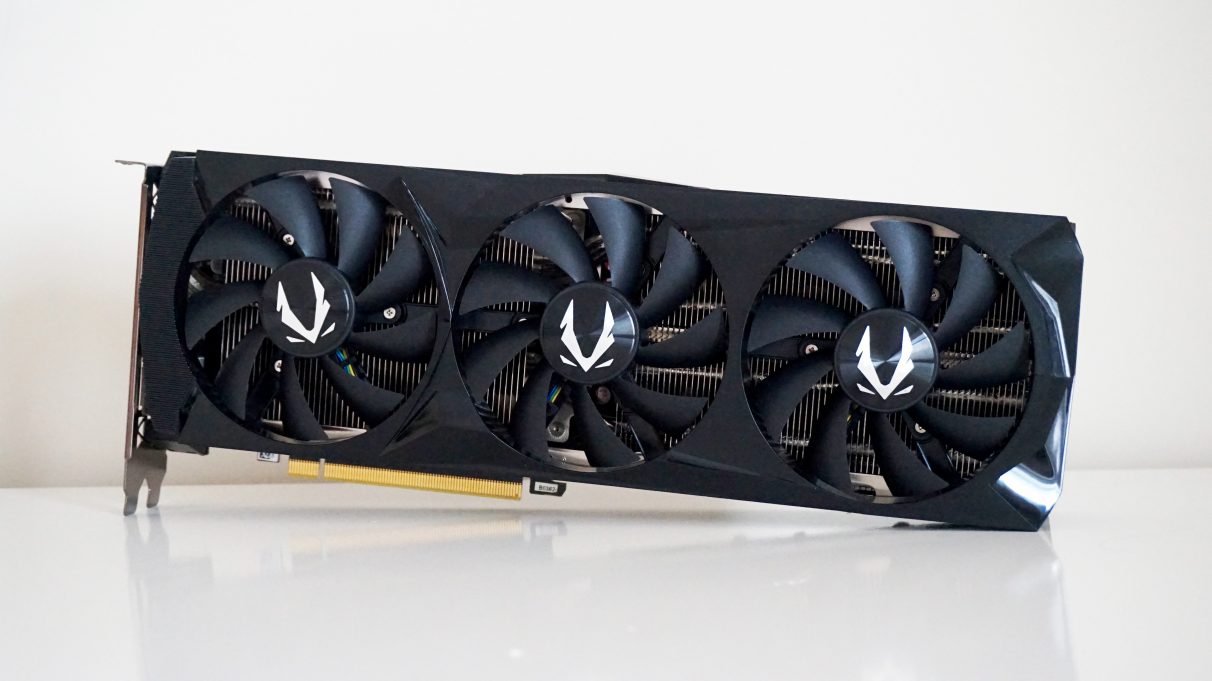
Nvidia GeForce RTX 2070
I should point out, of course, that the Zotac AMP Extreme card I used to get these results is one of the faster RTX 2070 cards you can buy right now, thanks to its high boost clock speed of 1860MHz. For reference, even Nvidia’s own Founders Edition of the RTX 2070 only goes up to a maximum of 1710MHz. As a result, these speeds are probably more of a best case scenario for this particular card than something a bit broader, but as you’ll see, there’s hardly much to complain about.
Can I play this at 1920x1080?
You can indeed, operatives, and you’ll get even more out of it if you’re got a high refresh rate monitor, too. Whip it up toUltraand enjoy a smooth average of92fpsfor your trouble.
Can I play this at 2560x1440?
Can I play this at 4K?
A triple yes, yes, yes. For the smoothest experience, you’ll want to stick toMedium, where you’ll get an average of63fps, but you can probably get away with bumping it up to High with an average of 51fps if you really want those prettier graphics.
Nvidia GeForce RTX 2070 Super
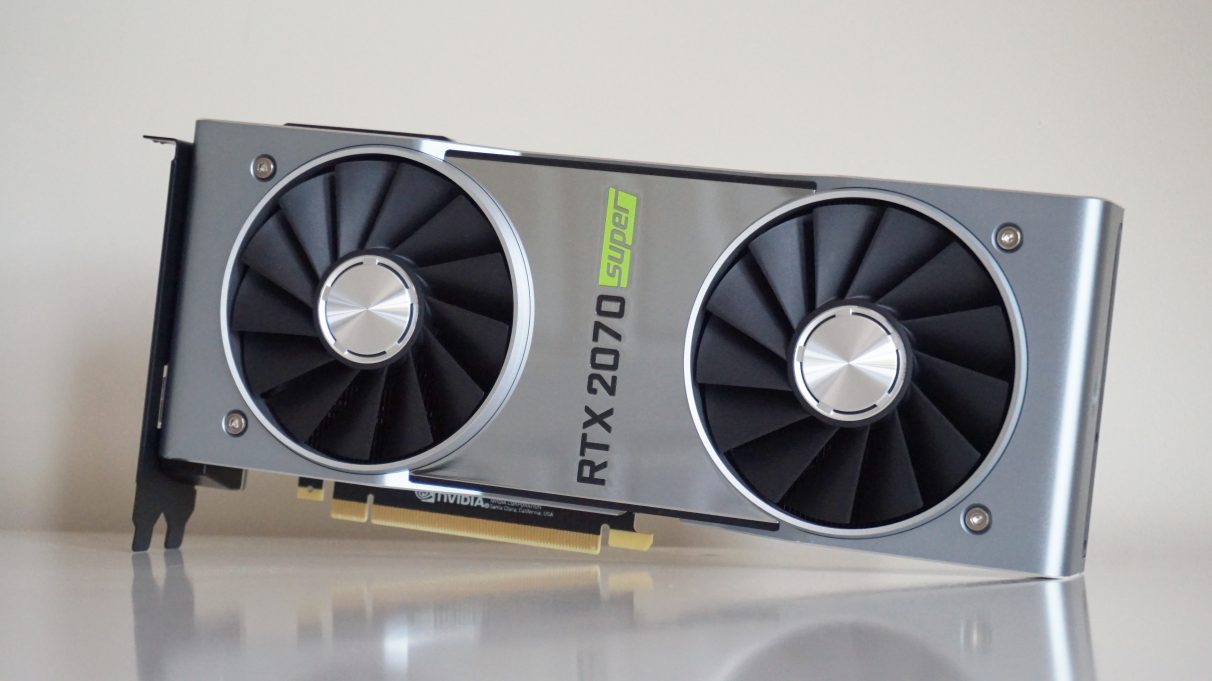
A faster, nippier version of theRTX 2070, theRTX 2070 Superis effectively Nvidia’s answer toAMD’s Radeon RX 5700 XT- and remains one of today’sbest graphics cards for flawless 1440p gaming. As such, you shouldn’t have any trouble getting the RTX 2070 Super to run The Division 2, regardless of what resolution you’re aiming for.
Can I play this at 1920x1080?
Did someone say an average frame rate of96fps on Ultra? Of course you can.
Can I play this at 2560x1440?
Another no brainer here. Whack it up toUltraand enjoy that sweet, sweet average of70fps.
Can I play this at 4K?
Would you look at that? The first graphics card that can play this game properly at 4K without settling for Medium. Sure, Medium will get you a smooth average of 68fps, but I reckon you can comfortably bump this up toHigh, where you can enjoy an average of55fps.
Nvidia GeForce RTX 2080
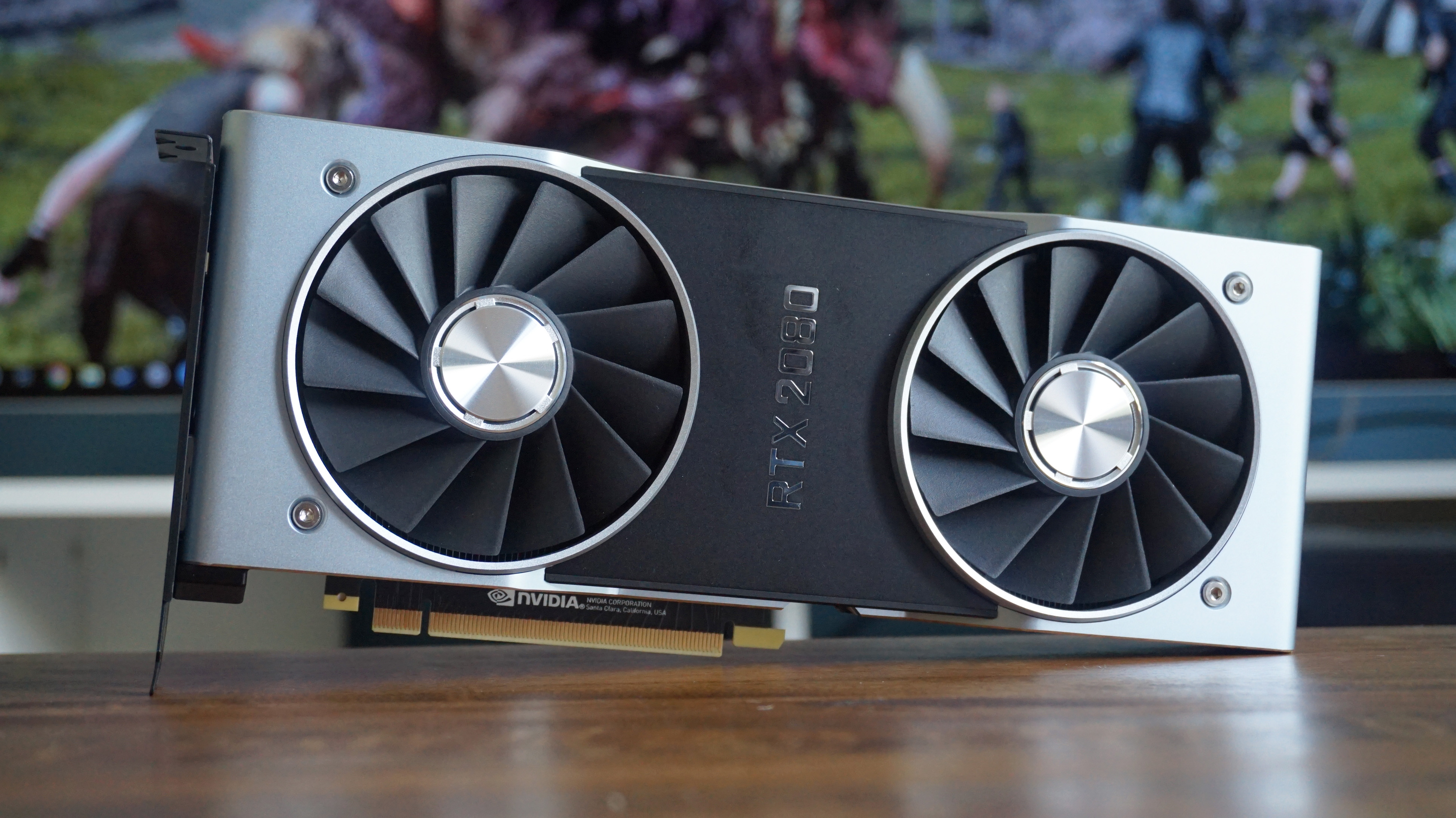
The big daddy itself. As we saw in myNvidia GeForce RTX 2080 review, Nvidia’s second top-end graphics card is just as fast as theirGTX 1080 Tiin a lot of things, so you probably can take the results below and apply them to that card as well, given I haven’t been able to get one back in for testing since, well, forever.
Again, I’ve got the Founders Edition here, which has a base clock speed of 1515MHz and a boost clock speed of 1800MHz. This is pretty much bang in the middle of what you’ll find elsewhere on other third-party cards, so the following results should be pretty representative of what other RTX 2080 cards can do as well.
Can I play this at 1920x1080?
You betcha. Whack it up toUltraand enjoy smooth frame rates of at least108fps, no problem.
Can I play this at 2560x1440?
You sure can, and if an average frame rate of84fps on Ultraisn’t good enough for you, I don’t know what is.
Can I play this at 4K?
Yep!Highwill yield the smoothest results here with an average of60fps, but you’ll probably be equally comfortable with an average of 49fps on Ultra as well - especially if you apply some of the settings tweaks outlined above to help you push that figure closer to 60fps.

Nvidia GeForce RTX 2080 Super
The Founders Edition of theRTX 2080 Superis a bit different to the rest of the Nvidia RTX Super family, as instead of sticking to their own reference specification, Nvidia have decided to crank up the clock speed of its 8GB of memory on this particular model, clocking it at 15.5 Gbps instead of the usual 14 Gbps. This gives the RTX 2080 Super a much more noticeable lift over its non-Super sibling than either theRTX 2070 SuperorRTX 2060 Superdo with their respective predecessors, and once again delivers some truly stonking frame rates for The Division 2.
Of course, that’s true of all RTX 2080 Super cards, but the Nvidia Founders Edition is still a great card in its own right. As you may have seen in myRTX 2080 Super benchmark showdown, where I pitted it against Zotac’s super fast AMP Extreme edition of the card, they’re pretty much neck and neck, showing you needn’t spend loads on a more expensive card just because its GPU is slightly clocked slightly higher. As a result, the results below should be pretty representative of all RTX 2080 Super cards out there right now.
Can I play this at 1920x1080?
Ready that high refresh rate monitor, pals, because this card can average a massive108fps on Ultraat this resolution, making it a great fit for those after the smoothest, prettiest gaming experience.
Can I play this at 2560x1440?
You’ll be able to enjoy high refresh rates at 1440p as well if you’ve got the right monitor, asUltrawill net you another smooth average of80fpsat this resolution (or even higher if drop the settings down a bit). Enjoy.
Can I play this at 4K?
You betcha. Ultra will get you a just about playable average of 46fps, but for the best experience you’ll want to stick toHighwhere you’ll get an average of62fps.
Nvidia GeForce RTX 2080 Ti
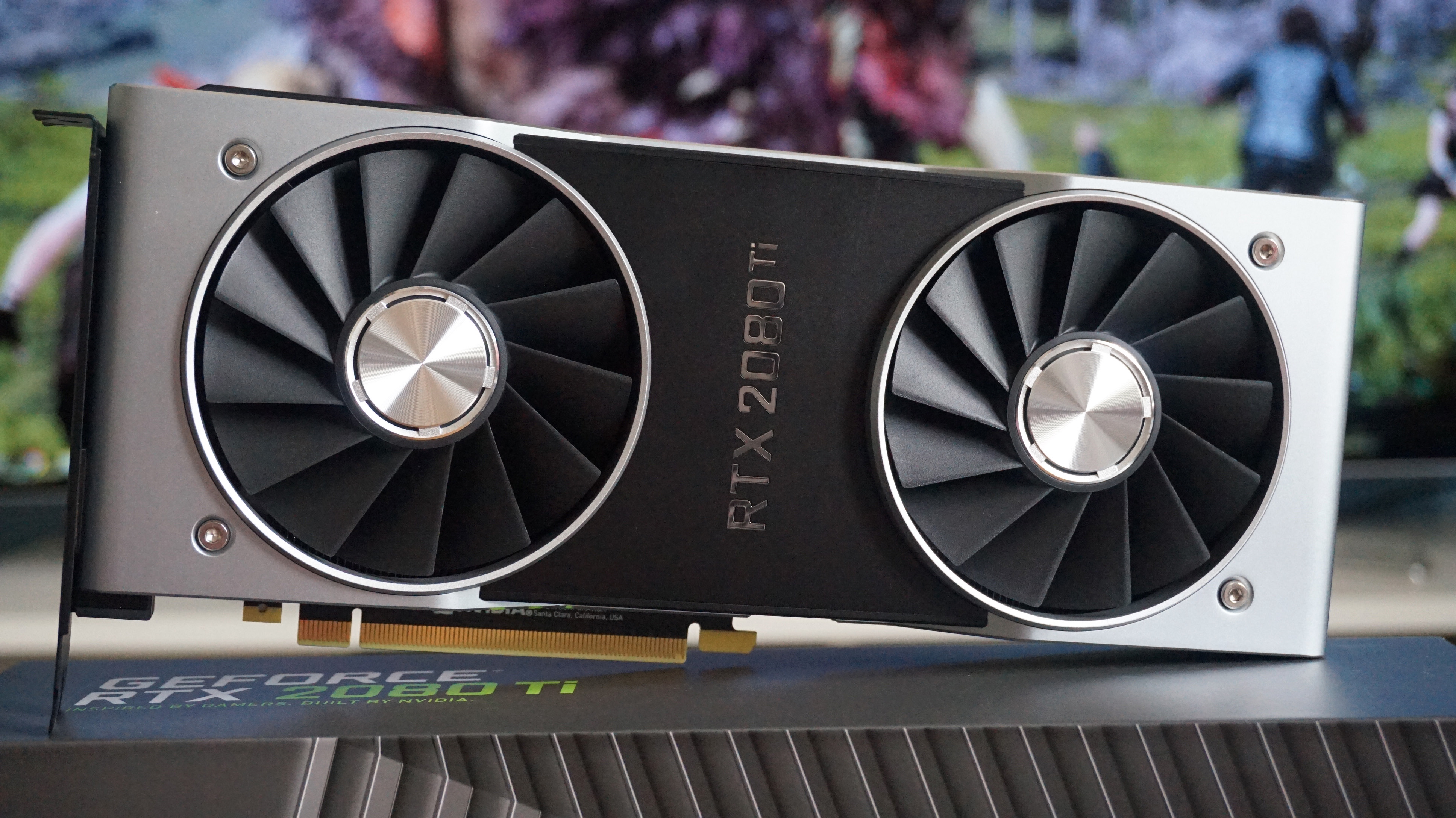
Much like myRTX 2080scores, my Core i5 CPU is probably holding this card back from reaching its absolute best potential here, so please do assume that you’ll be able to getat leastthese kinds of speeds with a properly equipped PC, if not significantly higher.
Can I play this at 1920x1080?
Pshaww, of course you can. Stick it onUltraand let that average of118fpswash over you like a hot bullet bath.
Can I play this at 2560x1440?
Does101fps on Ultrasound playable to you? I mean, I have my doubts, but if you’re absolutely sure…
Can I play this at 4K?
You betcha bottom dollar you can. With an average of63fps on Ultrapumping through your veins, this is as good as it’s ever going to get.

AMD Radeon R9 270
Good news, R9 270 owners! Your graphics card is one of Ubisoft’s recommended cards for 30fps play at 1920x1080. Even better news, 30fps is a bit of a conservative estimate in my opinion, as I was able to get much higher speeds without having to resort to keeping it on Low.
The R9 270 may only have 2GB of memory to its name, but thanks to The Division 2’s well-oiled PC build, even ancient cards like this can still run it at a fair old cop. Here’s how it got on:
Can I play this at 1920x1080?
Can I play this at 2560x1440?
I mean, youcan, if50fps on Lowsounds appealing to you. Just don’t put it on Medium, otherwise you’ll be experiencing The Division 2 as a 27fps slideshow.
Can I play this at 4K?
Hahahahahahahahahahahahahaha. Afraid not, pal.
AMD Radeon R9 290
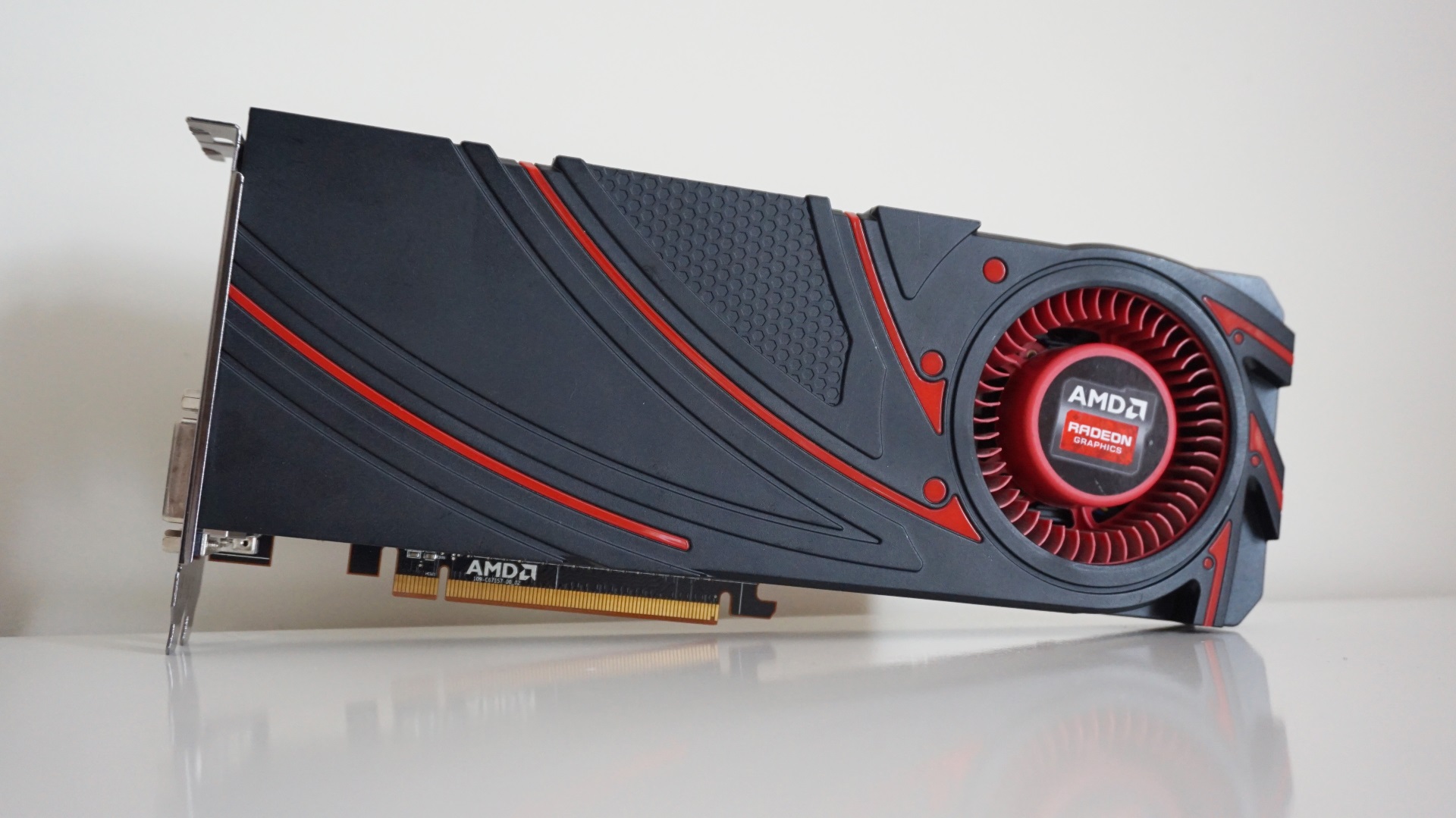
Every time I do one of these graphics card performance tests, the AMD Radeon R9 290 remains a constant surprise. Despite being several generations old now, this fighter can still knock it about with the rest of them. That’s largely thanks to its healthy dollop of 4GB of memory, which stands it in much better stead than the R9 270 when it comes to tackling today’s big games.
This reference card only has a single fan to keep its innards cool, too, so chillier versions with more sophisticated cooling systems may well find themselves able to beat these times as well.
Can I play this at 1920x1080?
Yep, and you can even get a very agreeable average of53fps on High, too. Medium will get you an even smoother experience with its average of 71fps if you’d rather not tinker about with the settings tweaks I’ve suggested above, but I think you’ll agree that 53fps on High ain’t half bad for a card like this.
Can I play this at 2560x1440?
Double yep, although you’re probably better off withMediumhere and its average of 51fps. Again, Low will see it shooting all the way up to 87fps, but with lots of pop-in present on this quality setting you’ll thank yourself later for sticking with Medium.
Can I play this at 4K?
I mean, there’s sort of a triple-yep here, asLowwill net you a pretty smooth54fpsif for some reason you’re absolutely desperate to play this at 4K, but push the quality any higher and you’ll see it disintegrate into a 29fps horror show.

AMD Radeon RX 570 (8GB)
AMD’s Radeon RX 570 is getting on a bit now, but the good news is that it still falls within Ubisoft’s recommended PC requirements for The Division 2 for hitting 60fps at 1920x1080. That’s good news if you were worried about having to upgrade your graphics card for The Division 2, and as you’ll soon see below, there’s plenty of good numbers to be had here.
In fact, you may well see slightly better results than what I’ve detailed below, as PowerColor’s Red Dragon version is one of the slower 8GB cards you can buy right at the moment - although stock levels are quickly running dry nowAMD’s Radeon RX 5500 XTandRX 5600 XThave arrived. Indeed, with a boost clock speed of just 1250MHz, it’s quite a way behind the very top-end RX 570 cards, which often have boost clocks up in the mid 1300s. As a baseline experience, though, there’s a lot to like here, so let’s get on down to some of those lovely frame rates.
Can I play this at 1920x1080?
You sure can. While Ultra is probably beyond the realms of possibility with this card, I still saw a very respectable average of61fps on Highwith this card, which is exactly in line with what I’d expect given Ubisoft’s PC requirements.
Can I play this at 2560x1440?
Sort of, but you’ll have to settle forMediumat this resolution, as anything more will send the frame rate tumbling. However, you can still expect to see a decent average of57fpswith these settings here, which really ain’t half bad for such an elderly card.
Can I play this at 4K?
Surprisingly, yes! Only onLow, though, mind, as its average of58fpsquickly gets chopped in half the moment you step up to Medium. But, really, this card isn’t really cut out for 4K, so stick with 1080p for the best and prettiest gaming experience.
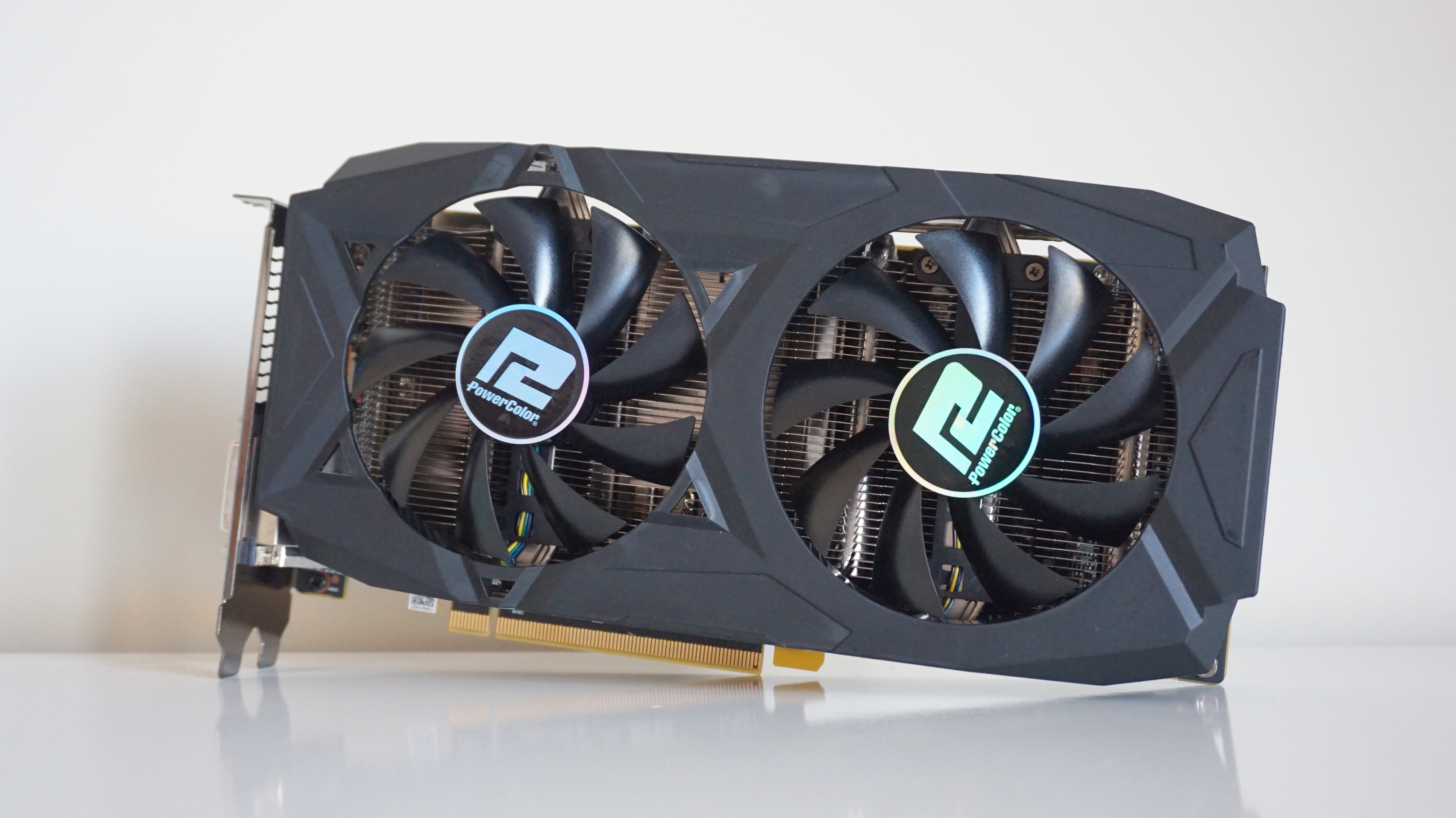
AMD Radeon RX 580
WithAMD Radeon RX 580prices having fallen into a flaming Division bin in recent months, this mid-range GPU is a decent buy these days if you’re on a budget and their newRX 5500 XTis a bit beyond your price range.
This 8GB PowerColor Red Dragon model is one of the faster RX 580s out there at the moment, admittedly, and that’s mostly thanks to its high boost clock speed of 1380MHz. However, I’m pretty confident most of these results will be applicable to other 8GB versions of this card as well, as even slightly slower models should only be an average of a couple of frames behind tops.
Can I play this at 1920x1080?
Yes indeed. If an average of55fps on Ultraisn’t good enough for you, then an average of 72fps on High almost definitely will be.
Can I play this at 2560x1440?
Yes indeedy doubly.Mediumwill get you the smoothest frame rates, averaging a very agreeable66fps, but I also think you’ll be perfectly happy on High with an average of 50fps as well, especially if you apply some of the settings tweaks mentioned above as well. Even Ultra is possible at this resolution thanks to a playable average of 38fps, which you’ll no doubt be able to push even higher applying the same techniques I just mentioned.
Can I play this at 4K?
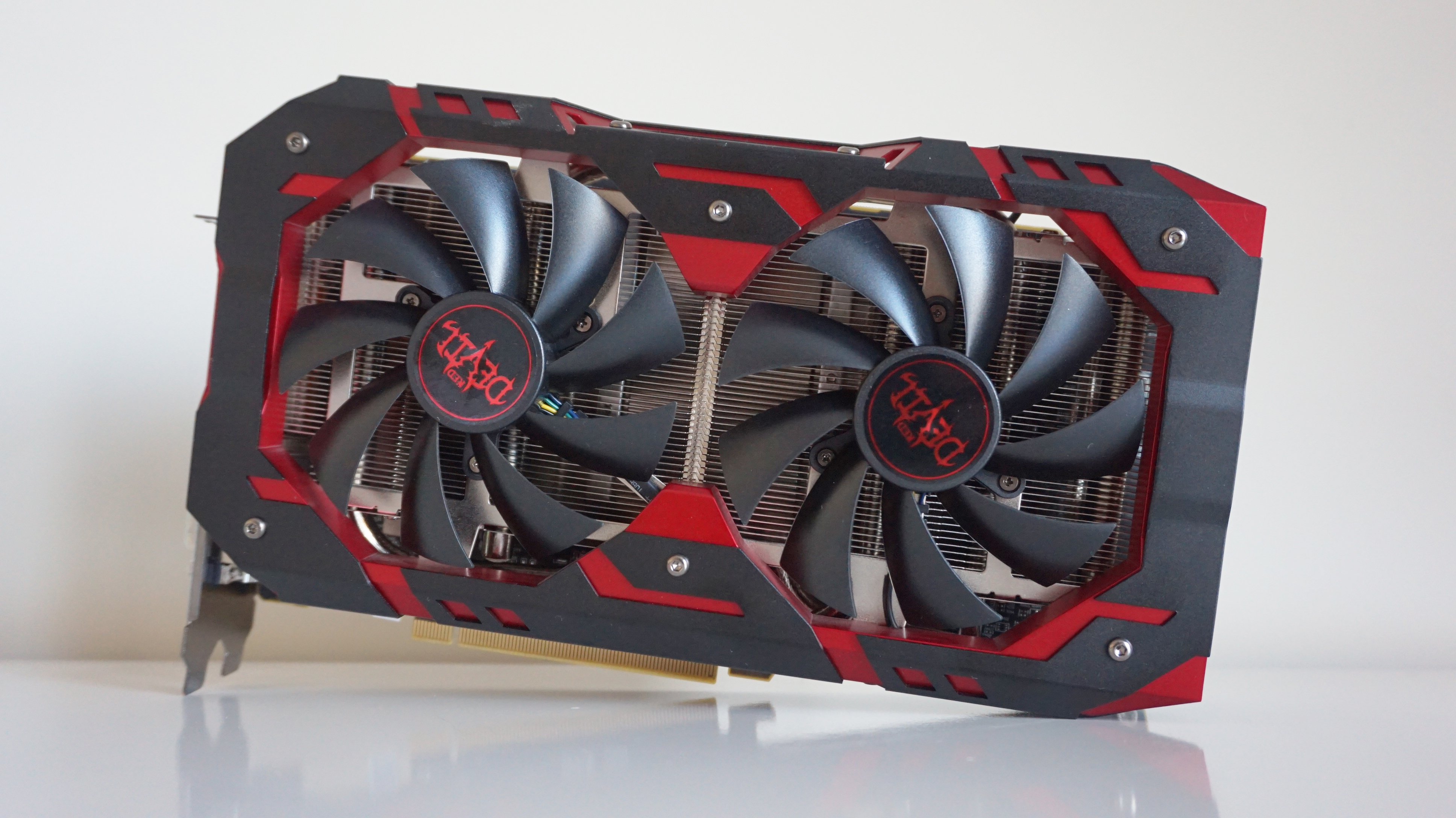
AMD Radeon RX 590
Yep, it’s another PowerColor, but this time it’s theRX 590- the closest rival AMD has to Nvidia’sGTX 1660.
Indeed, turning our attention to The Division 2’s benchmark scores, both cards were pretty much neck and neck in overall performance. While this particular PowerColor is quite possibly one of the largest graphics cards I’ve ever seen, this chunky boy should be pretty typical of what most RX 590 cards are capable of here, as its boost clock speed of 1576MHz puts it more or less right in the middle of what you’ll find on other RX 590s.
Can I play this at 1920x1080?
Uh-huh, and at a lovely62fps on Ultrato boot.
Can I play this at 2560x1440?
Uh-huh-uh-huh, especially if you like the idea of56fps on High, too. I mean, sure, Medium will net you an ultra smooth 71fps if you’ve got a high refresh rate monitor to hand, but everyone else should be pretty happy bumping up the quality here. Indeed, you could probably even manage Ultra with its average frame rate of 44fps if you wanted, especially if you apply the sneaky settings tips outlined above.
Can I play this at 4K?
Uh-huh-uh-huh-uh-huh, andMediumwill get you a decent40fpsaverage for your trouble, too. Tweak the settings using the same aforementioned tricks as well, as you’re probably looking at something even tastier. Because why settle for 74fps on Low when you could have much prettier graphics and significantly less pop-in on Medium?
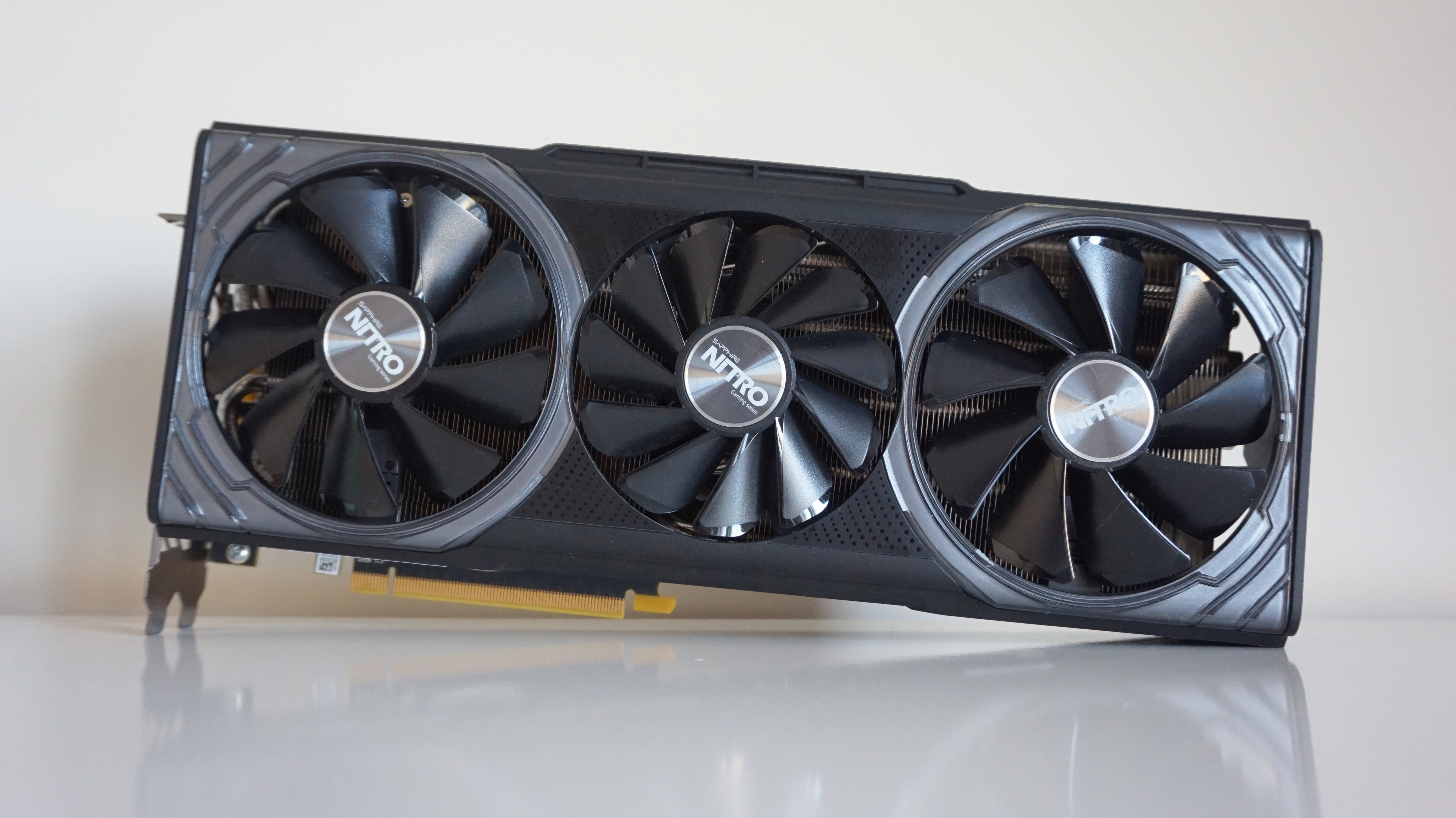
AMD Radeon RX Vega 64
TheAMD Radeon RX Vega 64may not be AMD’s top dog graphics card any more, but it’s still got more than enough power to run The Division 2 at whatever resolution you like. With 8GB of HBM2 memory at its disposal, this GTX 1080-level competitor has plenty of oomph for 1080p and 1440p alike and even a bit of decent 4K as well.
I should note that Sapphire’s Nitro+ edition seems to have either been discontinued or is suffering a severe stock shortage at the moment, but with a boost clock speed of 1611MHz, this is certainly one of the faster models you’re likely to find. As a result, the following results are probably more of a best-case scenario than not, but even if you’ve got a slower Vega 64, you should still get pretty excellent performance regardless of which model you have.
Can I play this at 1920x1080?
Affirmative. Does an average frame rate of86fps on Ultrasound pleasing to you? It does? Well, enjoy!
Can I play this at 2560x1440?
Roger that, captain, and once again you’re looking atUltrafor a silky smooth average of64fps.
Can I play this at 4K?
You betcha.Mediumwill give you the smoothest ride through DC with its right on the nose average of60fps, but you’ll probably fare just as well sticking on High with its average of 47fps. What’s more, have a fiddle with some of the settings outlined above and you’ll probably have a frame rate closer to 60fps in no time at all.
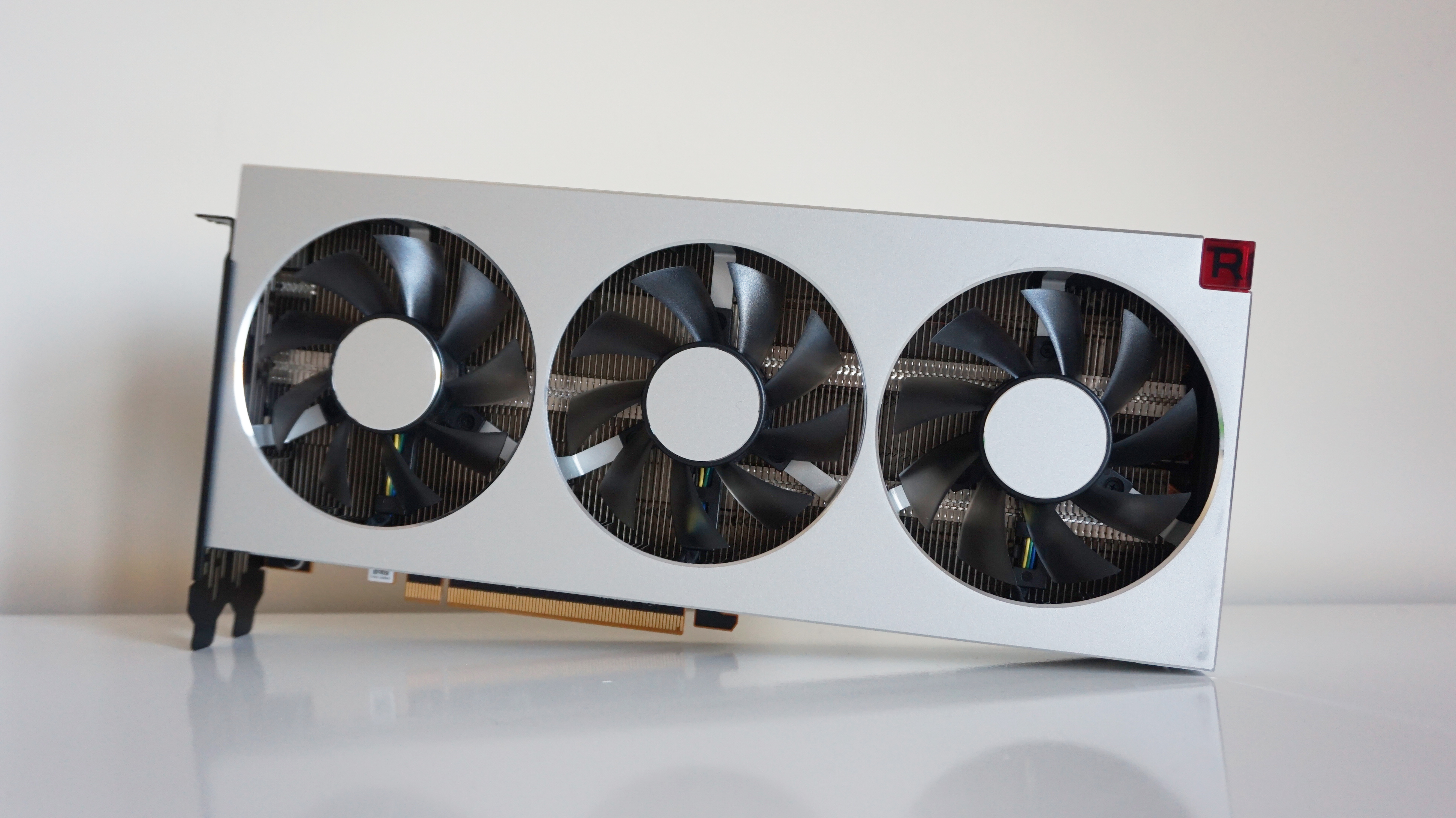
AMD Radeon 7
Theotherbig daddy, and theotherofficial Ubisoft recommendation for 60fps 4K play. Admittedly, theNvidia RTX 2080 Tistill has the edge over theAMD Radeon 7, as that card can do 60fps on the top Ultra setting. You’ll have to settle for High here if you want the same kind of speed, but needless to say, this is still more than enough to play the game at practically any setting or resolution you like.
I’ve got AMD’s own version of the card on test here, but it has exactly the same base and boost clock speeds as all the other third-party Radeon 7s as well, so these results should be pretty uniform no matter which version of the card you either have.
Can I play this at 1920x1080?
Give me a Y!
Can I play this at 2560x1440?
Give me an E!
Can I play this at 4K?
Give me an S! What does that spell? YES! To all three resolutions. At 1080p you’re looking at91fps on Ultra, at 1440p you can get a nice71fps on Ultraand at 4K you can bag a smooth54fps on High.
I mean, you can get a triple Ultra whammy if you want, as this will still give you an average of 42fps at this resolution, but you’ll probably need to employ some of the tricks I talk about above to bump it up closer to 60fps. Still, 54fps on High is still pretty damn great if you ask me, so off you pop and go and enjoy yourself. Washington DC isn’t going to save itself, after all.

AMD Radeon RX 5700
This particular edition is AMD’s own reference version of the card, so the results below should probably be taken as a bare minimum for what’s possible with this card rather than the absolute limit – especially now there are third party models available to buy with superior coolers and overclocked boost speeds.
Can I play this at 1920x1080?
Roger that, operative. If an average of74fps on Ultraisn’t good enough for you, I don’t know what is.
Can I play this at 2560x1440?
Roger, roger, I’m getting intel that playing onUltrawill get you a smooth average of53fps, but if that doesn’t sound quite up your street, then I’m sure an average of 73fps on High certainly will be.
Can I play this at 4K?
Roger, roger, roger. That’s another affirmative, agent. I’d adviseMediumat this resolution, where you’ll see an average of56fps, as High is just too gosh-darned demanding, averaging a playable but occasionally choppy 46fps.

AMD Radeon RX 5700 XT
Despite its half-melted appearance, theAMD Radeon RX 5700 XTremains one of thebest graphics cards you can buy today for flawless 1440p gaming. Offering enough of a leg up over AMD’s equally stonkingRX 5600 XT, this is the AMD card to buy right now if you want the best of what their Navi architecture has to offer.
Once again, I’ve got AMD’s reference card on test here, although much like the regularRX 5700, there’s no real reason to settle for one of AMD’s reference models of this particular card right now, as there are plenty of faster and better-cooled editions available from third party manufacturers to buy instead. As a result, you’ll probably get slightly faster speeds from one of those than what I’ve detailed below, but as you’ll soon see, there’s still plenty to like here, regardless of model type.
Can I play this at 1920x1080?
You betcha. Offering nigh-on identical speeds to Nvidia’s RTX 2060 Super at this resolution, you can get a super smooth average of85fps on Ultrastraight out of the gate.
Can I play this at 2560x1440?
Can I play this at 4K?
You triple betcha. For the best results, I’d advise sticking toMediumat this resolution, where you should see an average of66fps. Alas, bumping it up to High is probably beyond the reach of this card, as here I only saw an average of 41fps. Still, since this isn’t really intended as a 4K card, even playing the game on Medium is still a mighty fine performance in my books.
While you’re here, make sure you also check out our guides team’s extensiveThe Division 2 guidefor all your essential tips and tricks on how to get ahead in the game, including:
