HomeHardwareFeaturesStarfield
Starfield PC performance and the best settings to useThe full version this time
The full version this time
Image credit:Rock Paper Shotgun/Bethesda Softworks
Image credit:Rock Paper Shotgun/Bethesda Softworks
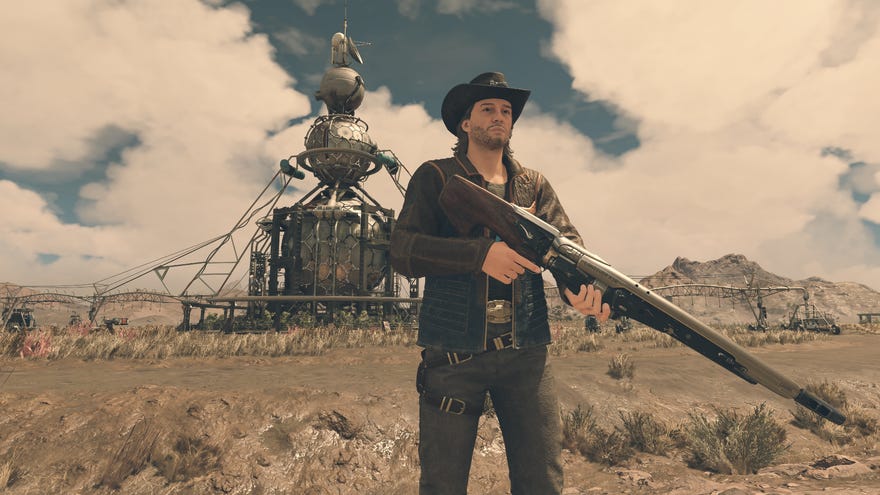
As promised, I have returned from theStarfieldfields for an extended look at its PC performance and settings. And what a journey it’s been – there was thedrama-tinged DLSS mod, thecrap Steam Deck showing, thestreaming workaroundfor said crap Steam Deck showing, and even the first recorded instance (I think?) of a gameutterly refusing to work on a hard drive.
Hardware-wise,Starfieldhas clearly not enjoyed the smoothest launch. But honestly, it’s not so dysfunctional as to explode on takeoff; so long as you can meet its high system requirements andrun it on an SSD, this is probably Bethesda’s most stable RPG yet. There are bugs, of course, but the only time they’re dependent on your hardware is if you ignore the warnings and install Starfield on an HDD. Yes, I’ve complained about the HDD thing twice in two paragraphs! It’s really really bad!
To see this content please enable targeting cookies.Manage cookie settingsWas Starfield worth the wait? Liam and Alice B discuss this question - and more - in the video above.Watch on YouTube
To see this content please enable targeting cookies.Manage cookie settings
To see this content please enable targeting cookies.Manage cookie settings
Super-duper-high framerates are also tricky to achieve, even on spanking newgraphics cardsand heavily multithreaded CPUs, though you can give Starfield’s performance a boost with some fine-tuning of the visuals. Scroll down to the bottom section if you just want the best settings guide, or read on for the updated report on overall performance.
Image credit:Rock Paper Shotgun/Bethesda Softworks
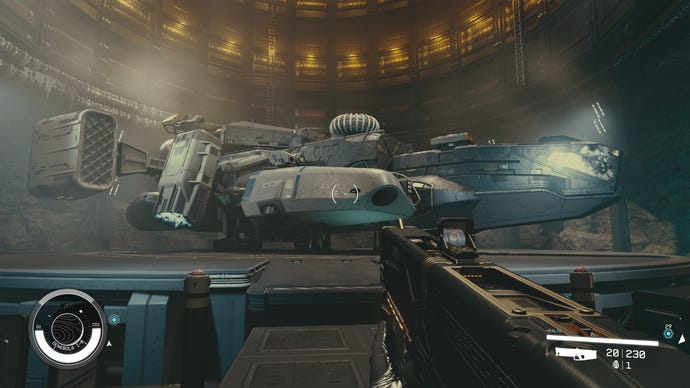
Starfield system requirements and PC performance
If you missed the Starfield hype train, and are only now rolling in on the Starfield mild curiosity bus, it’s worth having a refresher on its PC system requirements.
Starfield minimum PC specs
Starfield recommended PC specs
Starfield is still a Bethesda game, and still has Bethesda bugs. I’ve seen companions get stuck on scenery, movement controls becoming jammed after exiting photo mode, and most annoyingly, the first-person camera somehow getting stuck so that it only points up. But with an SSD, it’s usually the kind of wonkiness that can be fixed with a quick load. So far, it’s only HDD usage that seems to introduce truly game-breaking issues.
As for overall performance, Starfield does need relatively hench hardware to run smoothly. I recommend installing thatDLSS mod, if you’ve got an Nvidia GeForce RTX GPU that can actually use it, thoughFSR 2is a serviceable alternative that will work on anything.
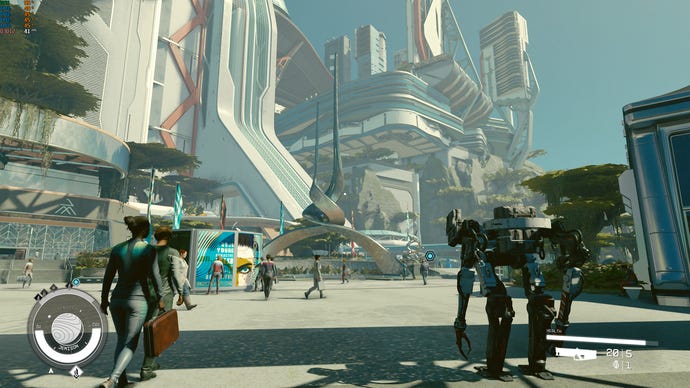
Upscaling comes in particularly handy for boosting framerates at 1440p and 4K, though note that FSR 2 works differently in Starfield to how it normally does. Instead of picking an upscaling quality mode, there’s a simple on/off toggle for FSR 2, and you manually set the initial render resolution scale yourself. I found 75% resolution scale usually provided a good balance between maintaining sharpness and raising performance, and it even looks okay-ish upscaling to 1080p. It was with these exact settings, in fact, that allowed theGTX 1060– a GPU several tiers below the Bethesda-approved minimums – to average 33fps on the busy streets of New Atlantis. Maybe with a very much above-minimum Intel Core i5-11600KCPU, but still.
Image credit:Rock Paper Shotgun/Bethesda Softworks
Sadly, there are so such quick fixes for Starfield on theSteam Deck. This behemoth RPG is just too much for the titchy APU to run comfortably, so even with the quality settings absolutely gutted, it can’t hit 30fps outside of tight interiors. It does hobble along without crashing, and the controls work fine, so you could maybe sit through it if you don’t care about visual fidelity at all. But for Steam Deck play, you’re better off either streaming it over Xbox Cloud Gaming (for Game Pass owners) or beaming it from your own desktop PC usingSteam Remote Play.
Image credit:Rock Paper Shotgun/Bethesda Softworks
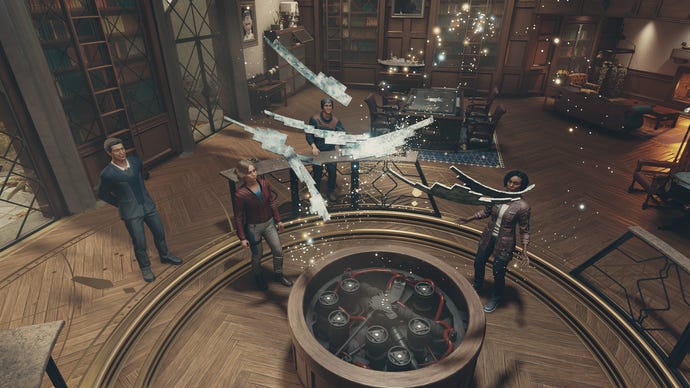
Starfield best settings guide
Starfield packs a large handful of customisable graphics settings, even if it lacks many of the more PC-specific comforts you might get in other big-budget games. You’ll need to rely onmodsor manual game file tweaks to, say,change the FOV.ClassicBeth.
Making adjustments to those visual options is worth doing, in any case. There are four presets available, but they’re not really tuned for performance: the Ultra preset enables the sharpness-spoiling dynamic resolution, while the Low preset still leaves a few FPS-lowering individual settings enabled. I should clarify, actually, that any benchmark results in this guide were recorded with dynamic resolution and upscaling turned off, unless stated otherwise.
1of4CaptionAttribution
1of4CaptionAttribution
1of4
1of4
1of4
CaptionAttribution




CaptionAttribution
Caption
Attribution
I used the RTX 4060 to test every single Starfield graphics setting at 1080p, checking how lowering each one would improve on the 42fps attained with Ultra settings. Here’s the findings in full:
Dynamic resolution:This will help a smidgeon if you’re on sub-requirement desktop hardware or a Steam Deck, but really, you should turn this off for quality’s sake. Especially since you can’t manually set a target framerate for it.
Render resolution scale:This is essentially the quality setting for FSR 2 (or DLSS, if you’ve modded it in). The higher the scale, the higher the sharpness, but lowering it will improve performance. Aim for 60-75% for the best balance of speed and image quality.
Graphics preset:This will automatically set to Custom when, y’know, customising the other settings, so is something of a non-issue. Just for illustrative purposes, though, Low quality produced 65fps on the RTX 4060.
Reflections:Low reflections got me 43fps, just one frame faster than High quality. Don’t drop unless you’re desperate.
Particle quality:Another unchanged 42fps after swapping High quality for Low.
Volumetric lighting:I got a minor uptick from Low quality here, with the RTX 4060 averaging 46fps. That’s still only a 4fps difference, but that could be a rather impactful 4fps when you’re this far below 60fps.
Crowd density:Another mere 1fps rise from cutting crowds down to Low. I wouldn’t.
Motion blur:This doesn’t appear to affect performance at all, even when switched off. Personal preference rules here – as ever, I ditched it.
GTAO Quality:Low quality only helped the RTX 4060 eke out an extra 1fps, so there are better settings to change. Then again, the visual difference is minor compared to Low quality reflections, so it might be worth cutting anyway.
Grass quality:I got 42fps from Ultra and Low quality alike, so no need to drop this on most hardware.
Contact shadows:Again, there’s only a 1fps difference between Ultra and Low, though the latter still looks okay. Maybe?
VSync:Turn this off if you have a gaming monitor with FreeSync or G-Sync. Otherwise, leave on.
Upscaling:FSR 2 disappointed on the RTX 4060, only upping performance to 47fps with render resolution scaling at 75%. However, I’ve seen it work much better on higher-end cards like the RTX 3070 and RTX 4070 Ti, and particularly at 1440p and above. FSR 2 therefore canhave a much more positive impact, so don’t ignore it.
Sharpening:This is simply a postprocessing filter and as such, leaves performance untouched. The default 70% is fine.
Enable VRS:Once again, Variable Rate Shading promises to aid performance, then fails to. With VRS disabled the RTX 4060’s average rose from 42fps to 43fps – not much, but enough to show that this rendering trick doesn’t reliably help.
Film grain intensity:I’d suggest lowering this down to zero. For one, Starfield’s film grain is obnoxiously strong, and for two, removing it granted the RTX 4060 an extra frame per second.
Enable depth of field:A little rise to 46fps with it disabled is enough, in my book, to make DOF a luxury you can do without.
Image credit:Rock Paper Shotgun/Bethesda Softworks
I initially tried cutting just shadow quality and volumetric lighting down to Low, as these were the two heaviest hitters, but this didn’t produce the eye-soothing performance improvement I yearned for. Nothing for it, then: if we really want Starfield’s best settings, we’re going to have to toss in some of the little 1-2fps gains as well.
And thus…
And hey, if all else fails, you could always abandon the concept of good looks altogether and install theStarfield Potato Mode mod.
