HomeNews
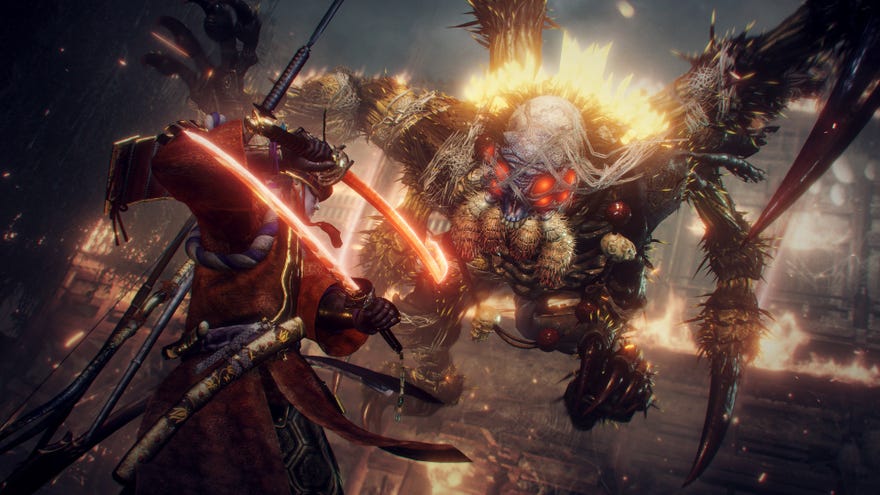
Koei Tecmo announced Nioh 2’s latest patch over on the game’sSteam page, with the headline fix being “added support for keyboard & mouse input icons”. To turn this setting on, players need to head into “System - Keyboard & Mouse Settings - Control Icons”. And voilá, the correct keyboard and mouse button prompts will appear when using this control scheme, as opposed to PlayStation’s crosses and circles.
To see this content please enable targeting cookies.Manage cookie settings
I always thought it odd that Nioh 2 -a game that demands precise movements and complex inputs during combat -lacked the correct button prompts when using keyboard and mouse. It seemed like such a huge oversight. Now, at least, those who prefer the clicking and clacking can do so without having to translate button combinations.
I tried playing Nioh 2 with keyboard and mouse briefly, and I cannot fathom how one does so effectively. Even with extensive practice, I feel like I’d be blundering to my death for eternity. The controller is still very much my samurai instrument of choice.
And if you’ve not tried Nioh 2 on PC, I spent a lot of time with it for myNioh 2 review, and can say with confidence that it’s a great action-RPG. Especially if you enjoy satisfying combat, as I think it’s “effortlessly cool - no matter what weapon you choose, or how good you are at stringing together combos”.
