HomeGuidesStarfield
How to scan everything in StarfieldPlanets, flora, fauna, and resources
Planets, flora, fauna, and resources
Image credit:Rock Paper Shotgun/Bethesda Game Studios
Image credit:Rock Paper Shotgun/Bethesda Game Studios
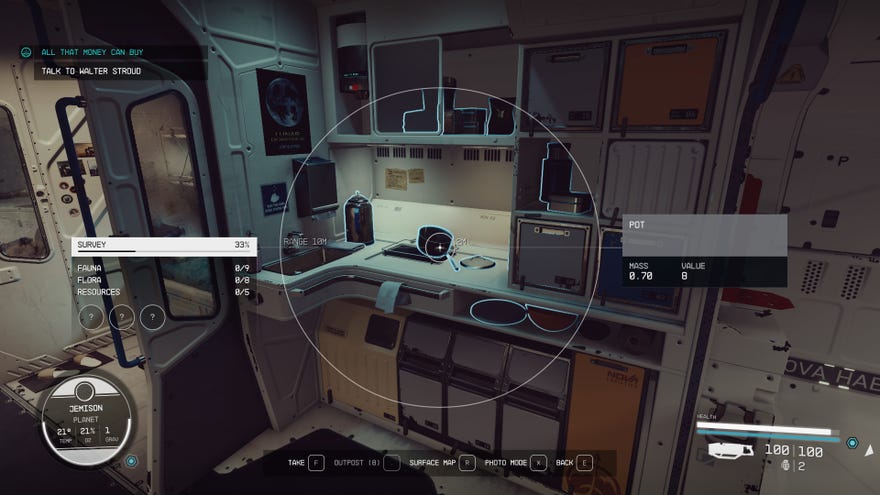
Here’s everything we know about scanning inStarfield, including how to unlock your scanner, how to scan everything, and how to upgrade your scanner.
To see this content please enable targeting cookies.Manage cookie settingsWas Starfield worth the wait? Liam and Alice B discuss this question - and more - in the video above.Watch on YouTube
To see this content please enable targeting cookies.Manage cookie settings
To see this content please enable targeting cookies.Manage cookie settings
How to scan in Starfield
How to scan planets in Starfield
Scanning planets works a bit differently from the rest of the scanning methods we have covered below, but it’s still pretty easy. To scan a planet, fly close to your planet of choice (increasing your scanner’s range, which we’ve detailed below, or purchasing certain skills will make this easier) while in the same system and head to the starmap.As long as you’re close enough, you’ll be able to see a scan planet option in the menu on the left side of the screen (otherwise, you’ll get a “Scan Unavailable” error). Using this will unlock more information about the planet in question, including a handy “Show Resources” button that appears under the planet’s information and unlocks a resource-focused map of the planet.
Image credit:Rock Paper Shotgun/Bethesda Game Studios
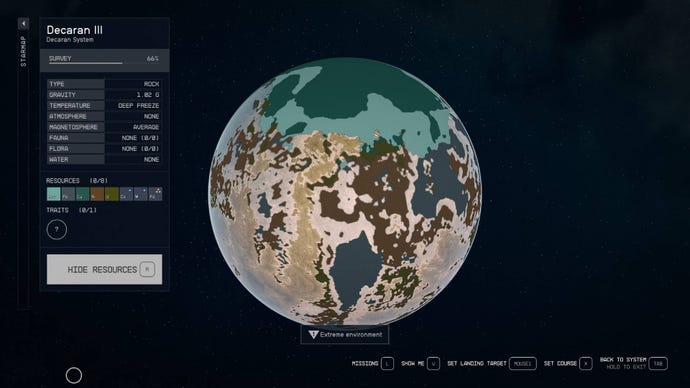
To get 100%survey datafor a planet, you’ll need to scan some things from the categories listed below, not just the planet itself. Planets also have traits that can be scanned, which are marked with “Unknown” markers in the scanner UI. Approach these areas to scan them and you’ll receive additional information about the planet and its traits.
How to scan flora in Starfield
How to scan fauna in Starfield
Like flora,you’ll also need to find and scan fauna (or wildlife) several times to unlock 100% scan completion. Scanning progress can also be tracked on the right side of the screen, though you’ll also receive information about if the targeted species is hostile or passive right next to its name.
How to scan resources in Starfield
Unlike flora and fauna,you’ll only need to scan a resource once to unlock all of its information. Other than that, scanning resources works the same as scanning flora and fauna — simply approach the resource you’re looking for and scan it to unlock more information.
Image credit:Rock Paper Shotgun/Bethesda Game Studios
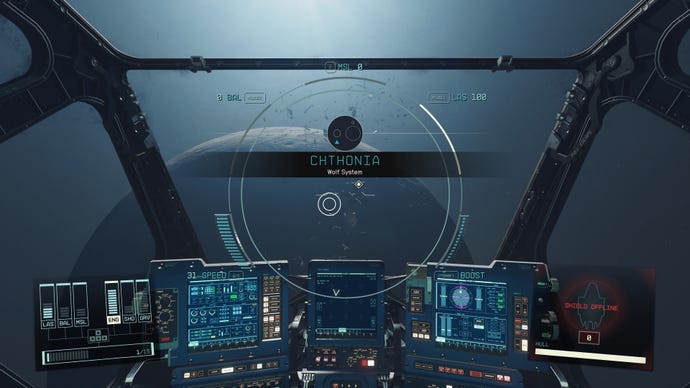
How to upgrade your scanner in Starfield
If you’re hoping to make your exploration process a bit more efficient, there are quite a few upgrades that you can purchase for your trusty scanner. Within the Science skill tree,these three skillsand their respective upgrades can help improve your scanning experience:
That’s all the information we’ve got on scanning in Starfield. Although, there are a few extra things worth checking out, including afew mods for the scanner. Our list ofall 1,629 planets herewill help you find things to scan. And, once you’ve finished scanning, don’t forget to learnhow to sell your survey data.
