HomeGuidesThe Finals
How to invite friends in The FinalsHere’s how to fix The Finals' invite friends bug
Here’s how to fix The Finals' invite friends bug
Image credit:Embark Studios
Image credit:Embark Studios
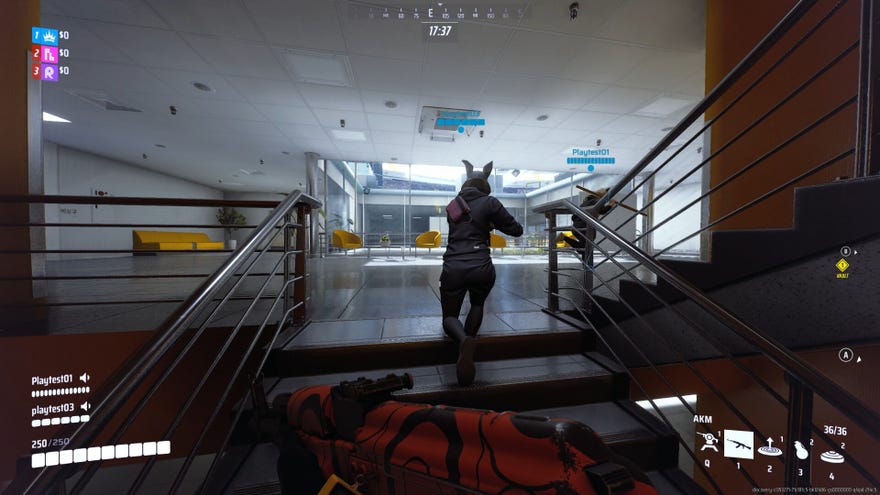
How do you invite friends to play with you in The Finals?If you’re a fan of multiplayer first-person shooters at all, you have probably already heard aboutThe Finals, a fast-paced team-based shooter with an emphasis on highly destructible environments. The game is built from the core to be team-based, so it’s a good idea to know how to invite your friends to join your squad.
However, adding friends in The Finals is a little less straightforward than you might expect, and there are a couple of things that can go wrong, from invite bugs to Embark IDs to crossplay settings. But fear not! Follow this guide to learnhow to invite friends in The Finals, and you’ll be quickly back on track to start having fun as a tight-knit squad.
THE FINALS | Season 1 | Launch TrailerWatch on YouTube
THE FINALS | Season 1 | Launch Trailer

How to invite friends in The Finals
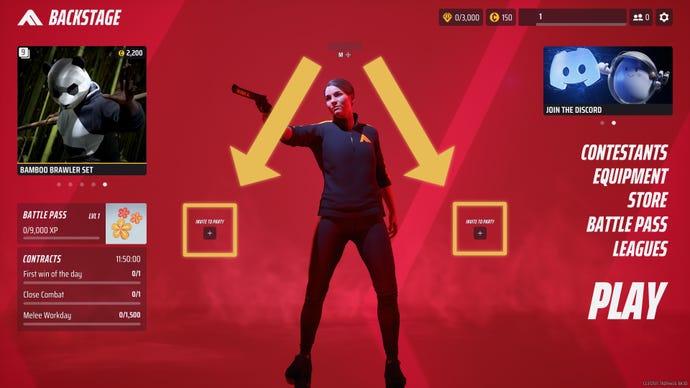
Click on either of the two “Invite To Party” buttons in the main menu. |Image credit:Rock Paper Shotgun/Embark Studios
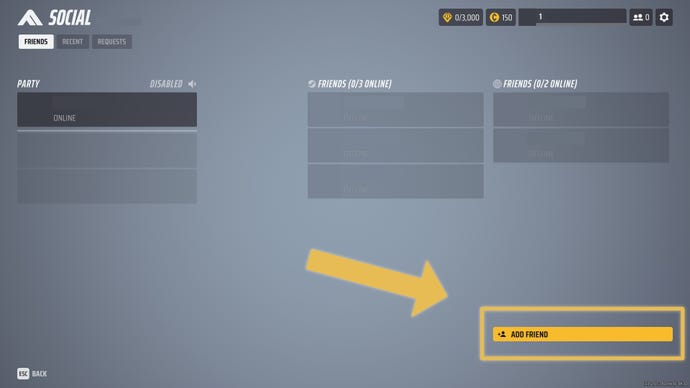
Click on the “Add Friend” button from the Social menu to type in your friend’s Embark ID. |Image credit:Rock Paper Shotgun/Embark Studios
How to find your Embark ID in The Finals
You need your friend’s Embark ID in order to invite them to play The Finals with you.To find your Embark ID, click on the “Social” icon in the top-right of the main menu(it’s the button with the two people). Then look in thetop-left of your screento see your Embark ID next to the word “Social”.
How to create an Embark ID for The Finals
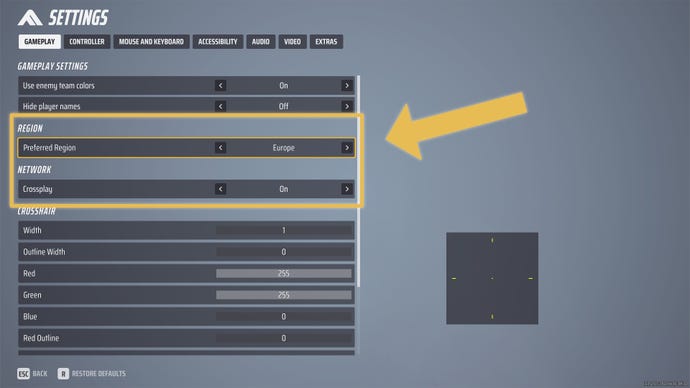
If you are unable to invite friends, make sure your Preferred Region is set to your chosen continent and Crossplay is set to “On” in Settings. |Image credit:Rock Paper Shotgun/Embark Studios
What to do if you can’t invite friends in The Finals
If you still can’t invite friends in The Finals, it may be that a well-known bug is stopping you. There are multiple things you can do to try and fix this bug:
