HomeHardwareFeaturesHalf-Life: Alyx
Half-Life: Alyx PC requirements and VR headset specs: How to get your PC VR readyEverything you need to get ready for Half-Life: Alyx
Everything you need to get ready for Half-Life: Alyx
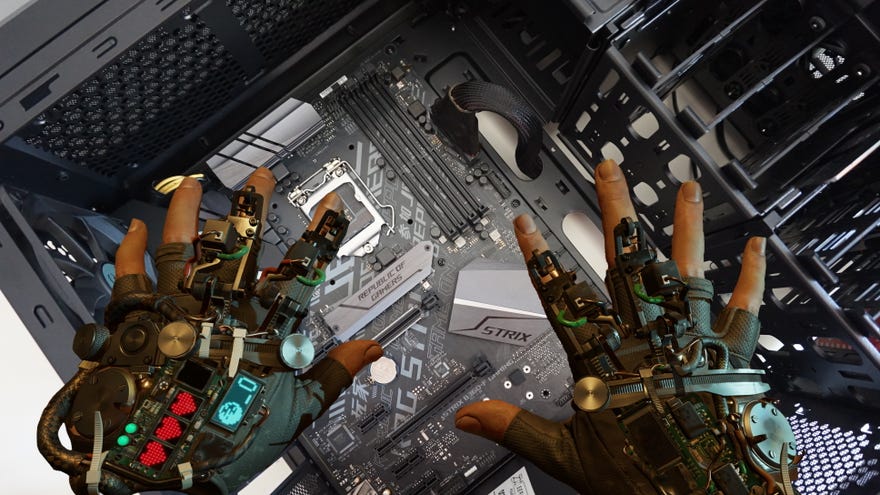
If you’re looking forward toHalf-Life: Alyxas much as we are here at RPS (it’s one of ourmost exciting games of 2020, don’t you know), then you’ll want to make sure your PC is prepped and ready to play it come its big release day on March 23rd. The good news is that you don’t need an expensive Valve Index headset to run it, asHalf-Life: Alyxcan be played on practically every VR headset under the sun, including cheap Windows Mixed Reality devices, and even the Oculus Quest if you connect it to your PC via a link cable. To find out more, read myHow to pay Half-Life: Alyx on Oculus Questguide.
To help you make sure you’ve got everything you need, I’ve put together this Half-Life: Alyx PC requirements list, detailing exactly what components you need to get Half-Life: Alyx running as well as all the different VR headset specs it’s compatible with. You can read more about the game’s performance in myHalf-Life: Alyx VR performancearticle, which examines how Half-Life: Alyx runs on different VR headsets as well as what kind of experience its minimum PC spec offers versus a more powerful one, but for now, here’s everything need to get your PC Half-Life: Alyx ready.
Half-Life: Alyx PC requirements
Half-Life: Alyx will run on any VR headset that’s compatible with SteamVR, which means you can use the following VR headsets to get yourHalf-LifeVR fix and gaze longingly at itsiconic environmentsand rathernifty reload animations:
Half-Life: Alyx VR headset compatibility:
Half-Life: Alyx also supports all manner of different play styles, including room-scale, seated or standing up, and works regardless of whether you’ve got finger-tracking controllers or older trigger-based ones. It has three different movement options, too: teleporting (with a small fade-out as you move from point A to point B), “shift” (which involves a smooth zoom between different points), and continuous where you use the analogue stick on your controller to run or walk.
Watch on YouTube
Watch on YouTube

As a result, you really don’t need to spend loads of money on a fancy pants VR headset in order to play it, as Valve have sensibly covered pretty much every option currently available. However, just because Half-Life: Alyx works with every VR headset going doesn’t necessarily mean your current PC will be able to run it. Below, for example, are the minimum specifications for all of today’s mainstream PC-based VR headsets:
The minimum PC requirements for Half-Life: Alyx, on the other hand, are a bit higher most of the minimum headset requirements I’ve listed above, so you may need to think aboutupgrading your PCif your current one only just about meets your respective VR headset specs.
Half-Life: Alyx minimum PC requirements:OS:Windows 10CPU:Intel Core i5-7500 / AMD Ryzen 5 1600RAM:12GB RAMGPU:Nvidia GeForce GTX 1060 (6GB) / AMD Radeon RX 580 (8GB)
Thankfully, most of Half-Life: Alyx’s minimum PC specs aren’t actually that demanding. It does have quite a high RAM requirement, all told, so if your PC only has 8GB at the moment then it might be time to step up to 16GB, but otherwise Valve’s CPU and GPU choices are fairly reasonable. Both the GTX 1060 and RX 580 are getting on a bit now, as are the minimum CPUs, so if you’ve bought orbuilt a PCin the last couple of years then you should be pretty set.
How to build a PC for Half-Life: Alyx
However, if you are in need of in upgrade, then I’ve put together a recommended PC build below to get your PC Half-Life: Alyx ready. The good news is that the modern equivalents of those minimum specs aren’t massively expensive, so you shouldn’t need to spend a fortune before the game comes out. Most of the components listed below are the same as what you’ll find in our officialRPS Rig, which details everything you need to build a decent 1080p gaming PC for under £1000 (including a monitor and all your peripherals), but there are a couple of changes due to that aforementioned big RAM requirement.
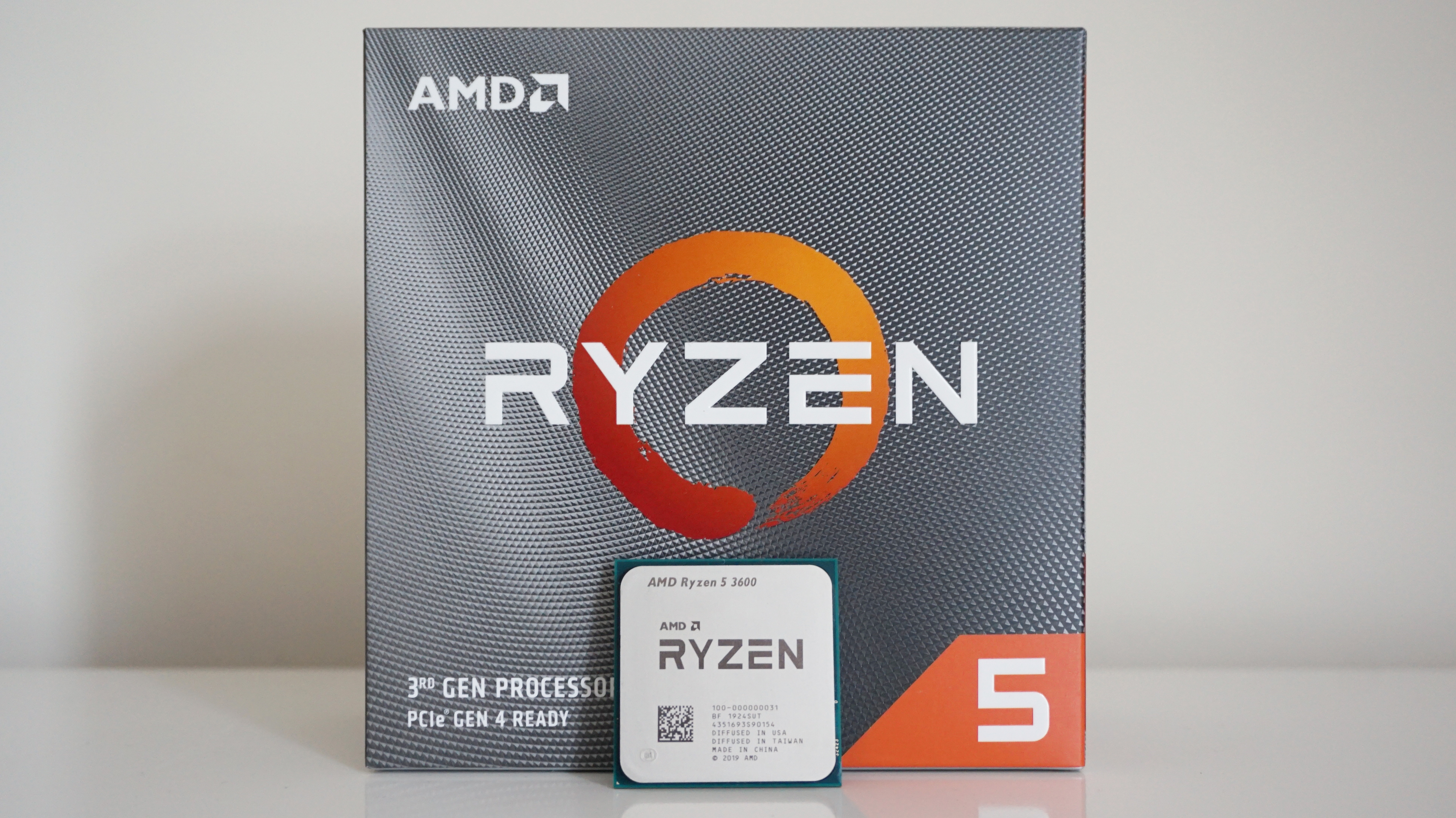
CPU: AMD Ryzen 5 3600
The AMD Ryzen 5 3600 is a fantastic CPU and it’s currently mybest gaming CPUpick for those after a top-notch mid-range AMD processor. It also comes with its own (and very good) cooler in the box, too, which helps save on cost. To see exactly how it shapes up to its other AMD and Intel competition, have a read of ourAMD Ryzen 5 3600 review.
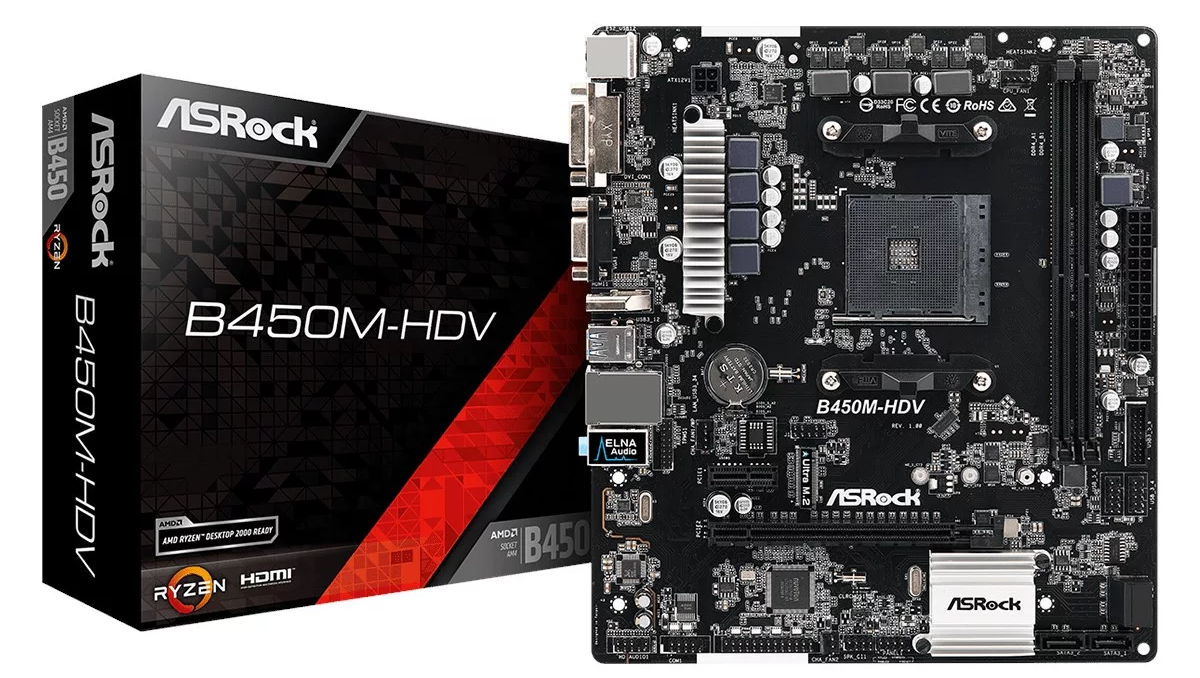
Motherboard - AsRock B450M-HDV

RAM - Corsair Vengeance LPX 16GB (2x 8GB) 2666MHz
And if you’re buying a new motherboard and CPU, chances are that you’re also going to need some new RAM as well, as modern motherboards don’t support older DDR3 sticks. Admittedly, 12GB is a bit of an odd amount to go for specifically, as RAM tends to work better when you’ve got two sticks that are identical in size and speed. As a result, I’d recommend going for this 2x 8GB 2666MHz set from Corsair, as they not only make excellent RAM, but their Vengeance LPX range is one of the best in the business. Plus, it’s completely free of any RGB lighting, which practically comes as standard on more expensive models. You can always go for a faster 3000MHz model if you really want to push the boat out here, but 2666MHz is still perfectly fine for a modern day gaming PC.

Graphics card - Zotac GeForce GTX 1660 Super Twin Fan
The sort-of direct successor to Nvidia’s GTX 1060, theNvidia GeForce GTX 1660 Superis one ofbest graphics cardsyou can buy right now for those on a budget. It’s faster than the regular GTX 1660, and its performance almost matches the more expensive GTX 1660 Ti as well, so you may as well save yourself some cash and opt for the Super instead. Yes, theAMD Radeon RX 5500 XTis arguably the better value graphics card overall (what with the 8GB model currently costing£190/$200at time of writing, plus the fact it comes with oodles offree games, too), but I’ve gone with the GTX 1660 Super, here mostly because Nvidia GPUs are generally held to be a bit better for VR - although I’ll be putting this theory to the test over the coming week.
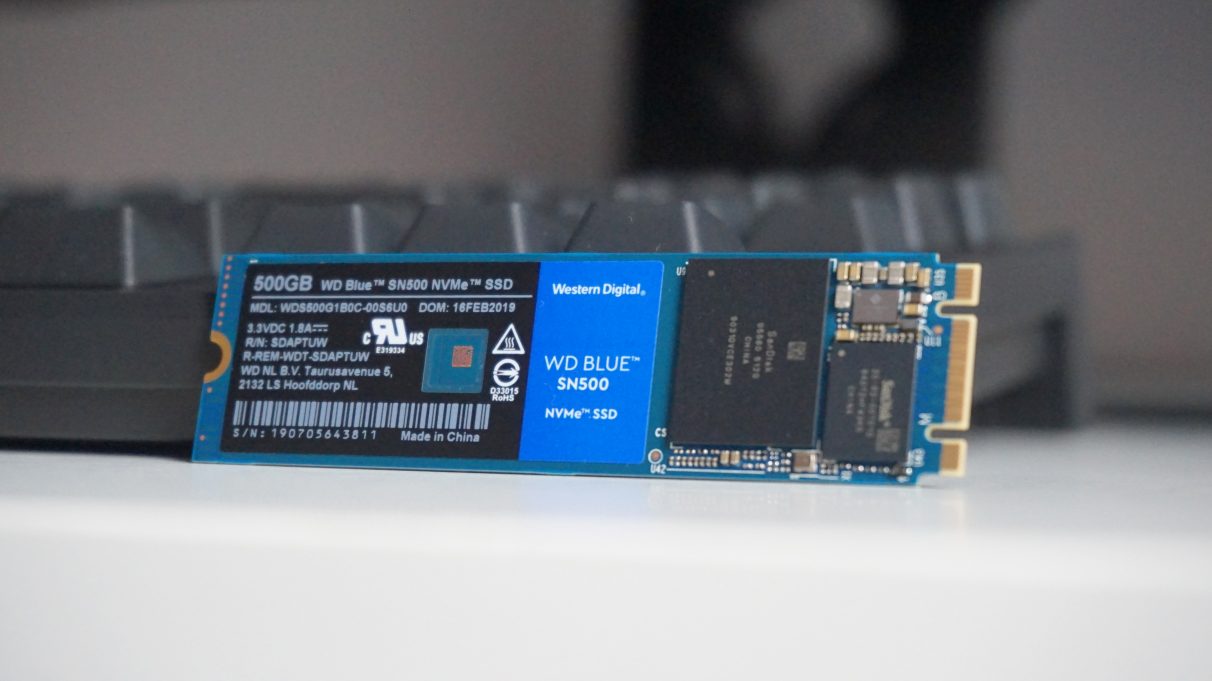
SSD - WD Blue SN500 (500GB)
There are so many great SSDs around at the moment, but the 500GB WD Blue SN500 is arguably the best value for money. Not only is it cheaper or around the same price as a lot of budget 2.5in SATA SSDs these days, but it’s NVMe form factor means you can stick it straight into your new motherboard without worrying about lots of messy cables round the back. It truly isone of the best SSDs you can buy today, and you can find out more in ourWD Blue SN500 review.

Power supply - Corsair CX550M
Your power supply is the beating heart of your PC, so it pays to get a good one. I’ve gone for the semi-modular version of Corsair’s CX550 PSU (hence the extra M on the end of its name), as this allows for slightly tidier cable routing and overall cable management. You can always opt for the regular version if you want to save yourself another £20, but this means you’ll likely have quite a few spare cables knocking around your case. Either way, the Corsair CX550 / CX550M should provide more than enough juice to power everything listed above. It’s an 80 Plus Bronze rated PSU, too, which means it’s nice and energy efficient.
As I said above, I’ll be putting together a more thorough performance analysis of how Half-Life: Alyx runs on various headsets and PC specs in time for the game’s release on March 23rd, so make sure to watch out for that as well if you’re thinking about doing a more substantial upgrade to your existing PC. For now, though, the components I’ve listed above will definitely meet the minimum PC requirements for Half-Life: Alyx, and at the very least should hopefully give you a bit of an idea about how much you’ll need to spend to make sure your PC is up to snuff.
Don’t forget, you can stillplay the Half-Life collection free on Steamuntil Alyx comes outon Steam, and the full and final version ofBlack Mesahas just come out as well (which, if you’re anything like Graham, you can also mod so you can playHalf-Life 1 in VR). Alternatively, there’s probably still time to squeeze in a couple of ourbest VR gamesbefore Alyx comes out, or you could spend the rest of this week watchingValve’s three Half-Life: Alyx gameplay videoson loop instead. As that old saying goes, “It’s time to choose…”
