HomeGuidesTom Clancy’s Ghost Recon: Breakpoint
Ghost Recon Breakpoint blueprint locations: where to find new weapons and attachmentsFind every blueprint in the game
Find every blueprint in the game
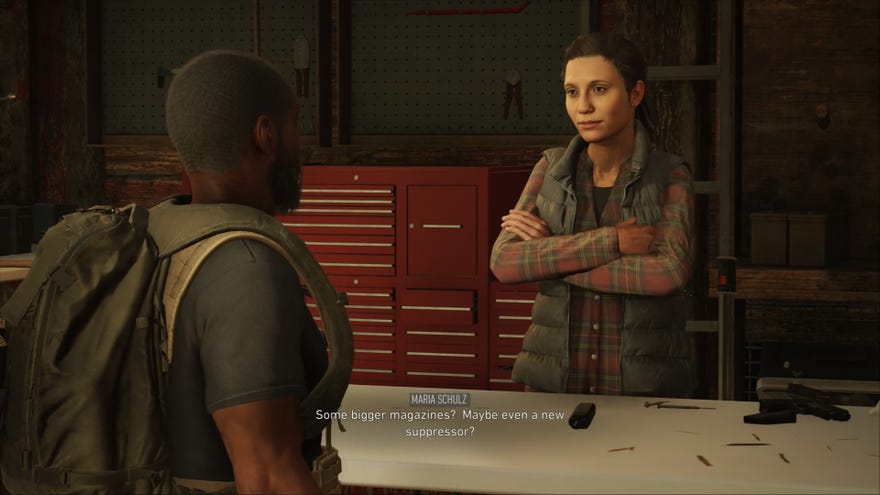
Fed up of scavenging for new weapons from enemies? Do you just want to make your own weapons from scratch in Ghost Recon Breakpoint, but don’t want to spend real money on them? Well, this guide is for you as you can also just go to certain locations and find them yourself. We’ve found most of the unlockable weapon blueprints and attachments and have listed them in this article.
Ghost Recon Breakpoint weapon blueprints and attachments guide
OurGhost Recon Breakpoint weapon blueprints and attachmentsguide has theblueprint locationsandthe steps you need to take in order tounlock attachments and weapon blueprints.
Contents

Intel explained
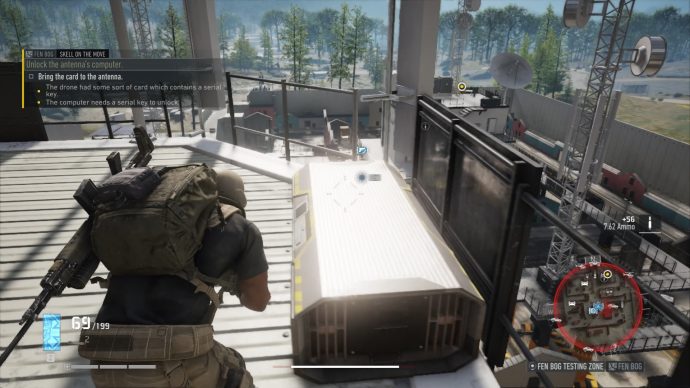
The first step to unlocking a new weapon blueprint or attachment is to gather some Intel. Within many of the structured buildings throughout Auroa, there are pieces of Intel on desks or other surfaces that when you interact with them, will show you multiple options. You can either use them to unlock new map locations for you to examine or more importantly, you can use them to unlock weapon blueprint/attachment missions. These are “blue” missions in the objectives section of the menu and can be tagged for your teammates.
Intel that you can gather includes attachments, weapon blueprints, and bivouac locations for that specific region. You will only discover stuff for a region in Infinity if the Intel you are currently gathering is also in Infinity.Only one person in a team can interact with a piece of Intel, so it’s only polite that you talk to your teammates to see if any of them need a specific blueprint or attachment. Once you’ve finished with it, nobody else can interact with the Intel.
Weapon blueprints and attachments
Once you’ve gathered the intel, pop it onto your mission tab and follow the directions. If you’re playing in guided mode, you’ll see a blue dot appear on the map showing its location. These areas tend to be on the more well-defended side, so be sure that you are well prepared and stocked on syringes, particularly if you’re going as a lone wolf.

Ghost Recon Breakpoint blueprint locations
Since all of theGhost Recon Breakpoint blueprint locationsare fixed, here is a list of the blueprints we currently know the location of so far:
Weapon blueprint locations
These are many weapon blueprints that are available to find, each of which is located in specific locations. To easily find the weapon blueprint you are looking for, I’d highly recommend pressing Ctrl+F and searching for the weapon type.
Class unlocks
When you reach rank 10 for each of the classes, the steps to complete the rank tracks can be found in ourGhost Recon Breakpoint skillsguide.
Signature weapons
Faction Reward weapon blueprints
Since December 2019, the Faction Rewards have been disabled. Here are what the rewards were in Act 1.
Year 1 - Act 1 (01/10/2019 - 03/12/2019)
Watch on YouTube
Watch on YouTube

Behemoth Defence areas

Attachment locations
It’s not just blueprints for weapons that you can find. You can also find many attachments in the many locations on the map. Again this list is a little on the long side, so use the search function in your browser (Ctrl+F) to find the attachment you’re looking for.
Behemoth Defence areas
There are a few that are hidden in the Behemoth Defence areas. Remember that the Panther class has cloaking spray that hides you for 60 seconds from the big nasty mechs patrolling each one.
Miscellaneous item locations
Finally, these are the items that don’t exactly fit in either category. Some directions can be found in ourGhost Recon Breakpoint bipod locationandGhost Recon Breakpoint NVG locationsguides respectively.

How to equip attachments in Ghost Recon Breakpoint
Once you’ve found an attachment, you can equip it onto the corresponding weapon type. Head into the loadout menu and hold the G key on your keyboard to edit the weapon. This will bring you into the gunsmith options menu. Here you can select the part on the right-hand side and equip with the attachment you have just found.
The gunsmith menu is also where you can apply bonuses onto weapons, detailed stats on the weapon type, and examine the passive bonuses onto it. It’s a wonder why this isn’t more heavily advertised, so do check out the gunsmith menu and play around with it as much as you can.All upgrades made are applied to all varieties of that weapon type,so your progress towards mastering that weapon type are saved across a specific weapon type. Here we have a light machine-gun classified as the “Stoner” and popping points into this Stoner weapon makes all Stoner weapons that much better for you.
How to use weapon blueprints in Ghost Recon Breakpoint
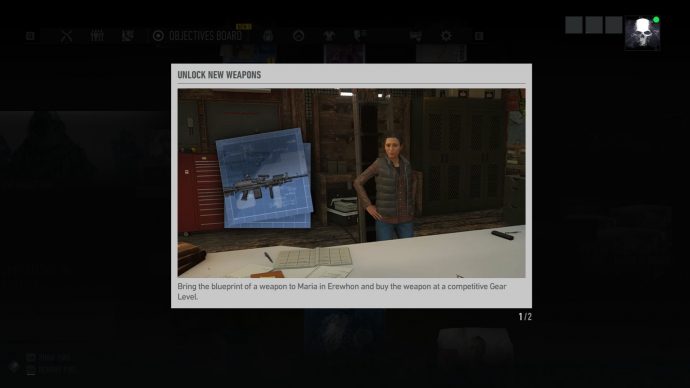
Once you have found a weapon blueprint, you can then bring it back to Erewhon. Speak to Maria Schulz in the shop and give her the blueprint for the item. You’ll then be able to buy the weapon based on the blueprint at a competitive Gear Level. You’ll also be able to find blueprints for Mk.II and Mk.III weapons later on, so be sure to scavenge as much as you can.
Ghost Recon Breakpoint guide links
Thanks so much for reading this comprehensive Blueprint locations guide. Want to know more about the game? Here are some links to guides that may help you with getting used to how this game works:
