HomeGuidesCyberpunk 2077
Cyberpunk 2077 Photo Mode: how to use Photo Mode to create fantastic screenshotsLearn how to use Photo Mode at any point in Cyberpunk 2077
Learn how to use Photo Mode at any point in Cyberpunk 2077
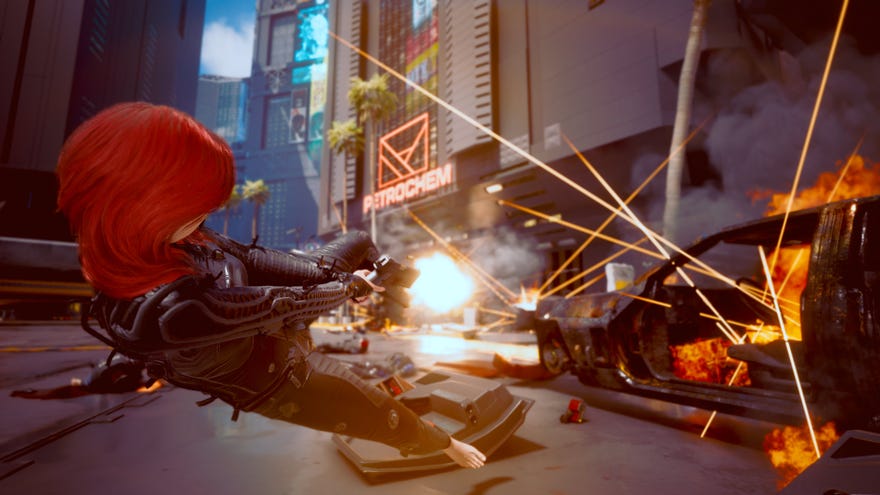
Cyberpunk 2077features a fully-fledged Photo Mode that you can hop into at any point throughout the game. With the touch of a button, the game will pause and you’ll be able to set up, take, and edit the perfect picture of just about anything you like in the debaucherous playground that is Night City. OurCyberpunk 2077 Photo Mode guidewill walk you through how to use Photo Mode to take amazing screenshots at any point, even during cutscenes.
On this page:
Cd Projekt Red Are Making A New Witcher Trilogy, A Sequel To Cyberpunk 2077 & MoreCD Projekt Red recently announced that they’re working on a new Witcher trilogy as well as a sequel to Cyberpunk 2077.Watch on YouTube
Cd Projekt Red Are Making A New Witcher Trilogy, A Sequel To Cyberpunk 2077 & More

How to use Photo Mode in Cyberpunk 2077
There are a great many different settings available to you while in Photo Mode, which we’ll go over below.

Can you use Photo Mode in cutscenes?
There are very few moments throughout Cyberpunk 2077 where you cannot open up Photo Mode. You can even use Photo Mode during cutscenes - but the caveat is that drone view is disabled, so you’re stuck in first-person.
Still, it allows you to move the camera around a bit, and set up a great screenshot that looks far better than anything you could create without the use of Photo Mode.
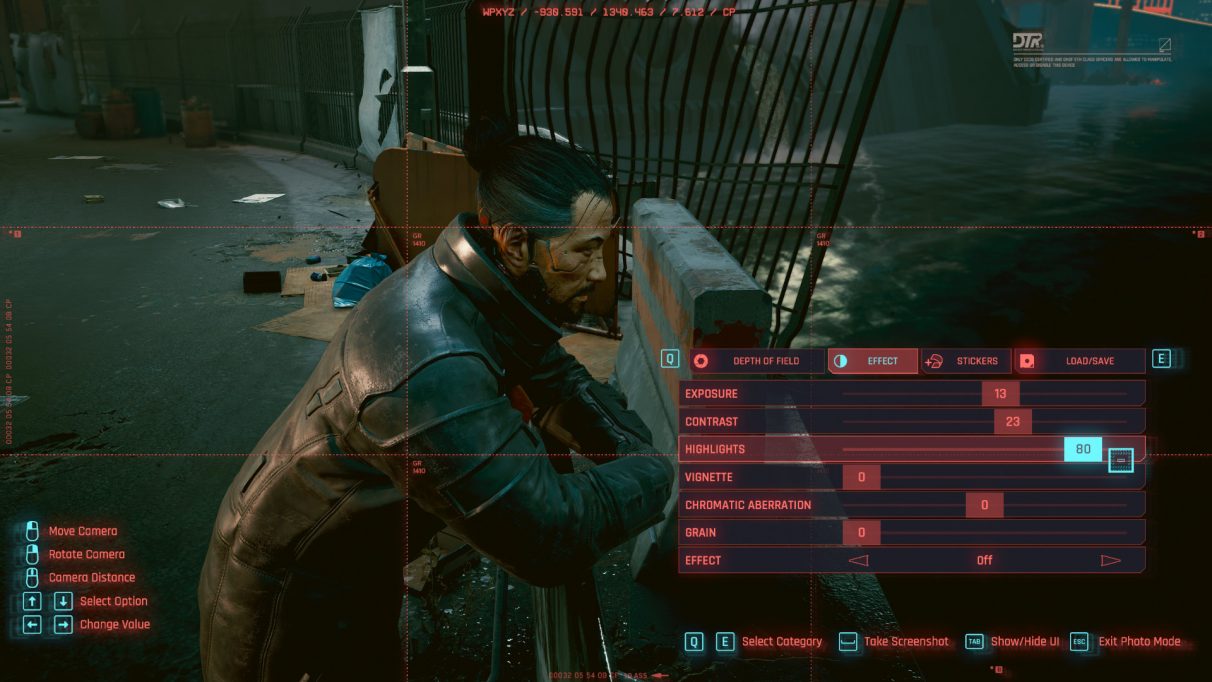
Cyberpunk 2077 Photo Mode settings
While in Photo Mode, you can use the powerful editing and transformation tools available to you to set up the perfect photo. You can left-click and drag to move the camera, and right-click and drag to rotate it. You can switch from first-person to drone view under the Camera tab, as well as switch between various camera position presets.
Another group of settings only available if you’re using Photo Mode outside of cutscenes and vehicles can be found under the Pose tab. Here, you can change V’s pose between dozens of presets, as well as change their position or even make them disappear altogether.
There are various other options always available within Photo Mode, including Depth Of Field options, Stickers and Frames, and more traditional photo editing options such as contrast, exposure, and highlights that can be found under the Effects tab. This tab also gives you access to various preset filters which can easily and utterly change the look of the photo you’re taking.
With that, you should know everything you need to know in order to make use of Cyberpunk 2077’s robust and powerful Photo Mode. But we’ve got plenty more guides on Cyberpunk for you to peruse. Why not start with this guide on the variousCyberpunk 2077 romance optionschoices?
